Filing GST returns is not limited to just matching the invoices and calculating tax. Chartered Accountants (CAs) and other tax professionals must also verify whether suppliers have uploaded the correct invoices or not and have made all possible entries to claim ITC on time.
Two GST portal tools sit at the centre of this work: the Invoice Management System (IMS) and GSTR-2B. They look alike but do different jobs.
Let’s understand the difference between GST IMS and GSTR-2B and how ITC reconciliation works, as it also helps you judge the best GST software for CA practices that handle many clients and GSTINs.
What Is GST IMS Under GST?
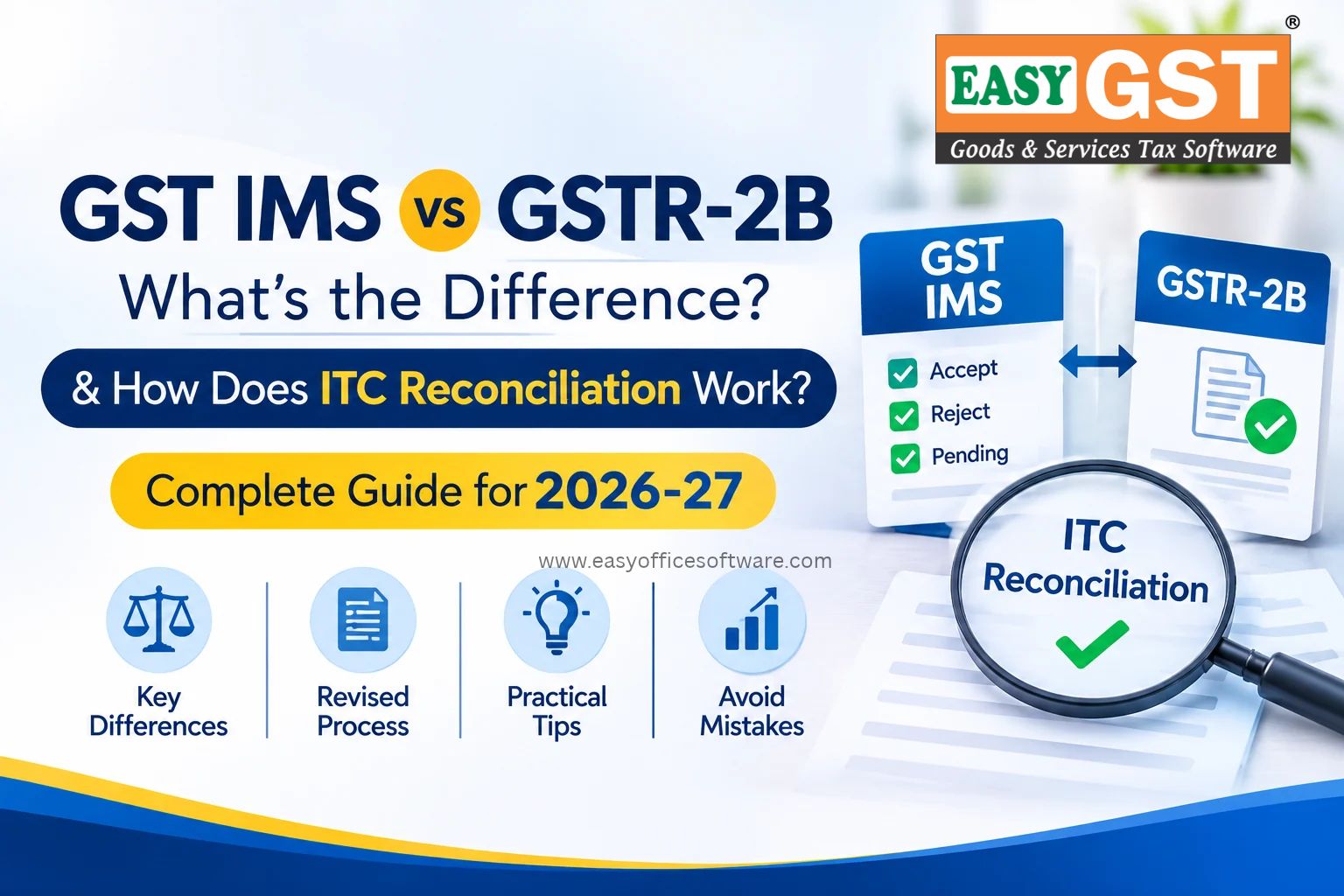
The Invoice Management System is a portal facility where you review the documents your suppliers upload. When a supplier files GSTR-1, GSTR-1A or IFF, eligible records appear in your IMS dashboard.
You can then take one of three actions:
Accept: details are correct
Reject: wrong or unrelated
Pending: check later
If you do nothing, the record is treated as deemed accepted when GSTR-2B is generated. Pending records stay out of that month’s statement.
Think of IMS as a checkpoint. You catch mistakes early instead of discovering them on filing day.
What is GSTR-2B and Why Does It Matter?
GSTR-2B is an auto-drafted, static ITC statement for a particular tax period. The GST portal builds it from supplier-reported data and a few other sources.
Monthly filers usually get it on the 14th of the following month. You don’t file it. It is a reference you use while preparing GSTR-3B.
GSTR-2B may include:
a. B2B invoices, debit notes
b. Credit notes, amendments
c. ISD documents
d. Imports, SEZ supplies
e. Reverse charge details
It shows which credits are available, which are not, and which may need reversal.
GSTR-2B is an important reconciliation document, but it does not independently establish whether every reported credit is legally eligible. Businesses must verify the applicable provisions of the CGST Act and Rules before claiming ITC.
GST IMS vs GSTR-2B: What Are the Key Differences?
| Point | GST IMS | GSTR-2B |
| Objective | Review Supplier reported invoices | Check auto drafted ITC Statment |
| Type | Action-based | Static statement |
| Your role | Accept, reject, hold | View, download, Reconcile |
| Editing | Act on records | Cannot edit |
| Use | Decide treatment | Prepare and verify ITC for GSTR-3B |
In simple terms, IMS is meant for decision-making, and GSTR-2B is the consolidates relevant ITC information from multiple sources for reconciliation and return preparation.
How Does ITC Reconciliation Work Through IMS and GSTR-2B?
The ITC reconciliation means comparing your records with the portal data before utilizing the credit in GSTR-3B. The below is a basic method of doing so.
Step 1: Matching Purchase Register with IMS
Start with your records. Compare each entry with that in IMS.
Check these:
a. Supplier GSTIN
b. Invoice number
c. Invoice date
d. Taxable value
e. GST amount
Spot a mistake? Call the supplier first, then act in IMS.
Step 2: Accept, Reject or Keep Invoices Pending
For example, a trader buys raw material worth ₹50,000. The supplier uploads the bill with the wrong GSTIN.
Don’t accept it just to save time. Raise it with the supplier and keep the record pending until it is corrected and rejects if its totally unrelated.
Step 3: Generate or Recompute GSTR-2B
The draft usually appears on the 14th. If you change IMS actions afterwards but before filing GSTR-3B, recompute GSTR 2B again from IMS Dashboard.
Accepted and deemed-accepted records feed the available ITC. Rejected ones are excluded. Pending ones wait.
Step 4: Compare GSTR-2B with Purchase Records
Look out for:
a. Invoices missing
b. Invoices which are duplicated
c. Value mismatched
d. Credit Notes
e. Invalid Credits
f. GSTIN mismatches
g. Reverse-charge transactions requiring separate review
Step 5: Prepare GSTR-3B carefully
GSTR-2B will not necessarily ensure that your credit is eligible for use. It must meet the requirements of Section 16 of the CGST Act.
Blocked credits under Section 17(5), such as certain motor vehicle or food expenses, stay blocked even if they show up in the statement.
Common ITC Reconciliation Mistakes to Avoid
Even experienced professionals slip when juggling many clients. Take note of these:
a. Neglecting pending invoices: late follow-up means late credit
b. Skipping verification: visibility does not mean eligibility
c. Avoiding credit notes: they reduce net ITC
d. Neglecting recomputation: change will not be automatically reflected
e. Mishandling reverse charge: consider it separately
f. Last day review: errors accumulate
How Can GST Software Help CAs with ITC Reconciliation?
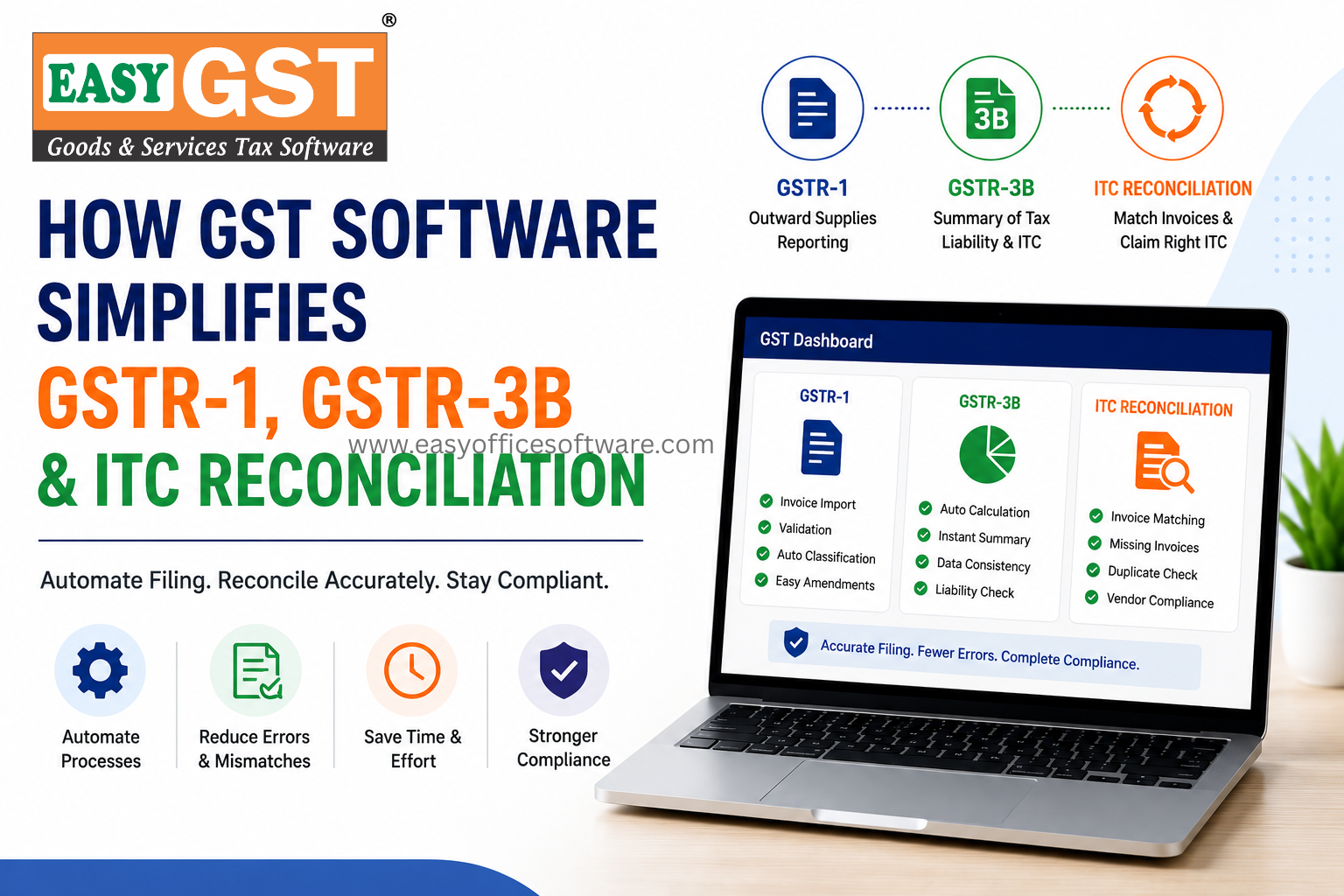
Matching hundreds of invoices by hand eats hours, especially around the 20th when returns are due. Good GST software takes over the repetitive part.
These features include:
a. Automatic matching of GSTR-2B with Accounts
b. Mismatch indicator
c. Duplicate Invoice Detection
d. Support for multiple GSTINs
e. Multi Angle Reconciliation reports
f. Regular Updates
Test before buying from a messy file of one client. Check data security and compatibility with portal updates.
The software will save your time, but your professional analysis is still required before filing.
Frequently Asked Questions
1. What is the main difference between GST IMS and GSTR-2B?
IMS lets you accept, reject or hold supplier invoices. GSTR-2B is the auto-generated statement showing the resulting ITC.
2. Does accepting an invoice in IMS mandatory?
No, it is not necessary. All records without any action will be considered as automatically accepted. However, you should examine wrong invoices instead of ignoring them.
3. Can I claim ITC on GSTR-2B if no invoice is available?
Check before initiating as the appearance of an entry in GSTR-2B does not automatically make ITC claimable. Confirm from the supplier regarding the report and also ensure that the ITC is eligible under Section 16.
4. When should the GSTR-2B be recomputed?
Re-computation of GSTR-2B is required when there is any amendment in the actions on the IMS post drafting of the document.
5. How do CAs simplify the GST reconciliation?
Use software with invoice matching, mismatch reports and multi-client support. Pair it with a fixed monthly review routine.
6. Do reverse-charge invoices appear in IMS?
Inward reverse-charge supplies reported by registered suppliers are generally not available for recipient action in IMS. However, relevant details continue to appear in GSTR-2B and should be reviewed separately
Conclusion
GST IMS and GSTR-2B work together. IMS helps you review and manage supplier invoices, and GSTR-2B gives you the ITC picture for return preparation.
For CAs handling several clients, timely checks, supplier follow-ups and accurate register matching prevent most credit errors.
Ready to cut the manual matching? Explore GST accounting and return preparation tools at Easyofficesoftware.com and try them on one client’s data this month.
Related Blogs

All in one Software
- Income Tax Software
- TDS & TCS Software
- Audit e-filing Software
- CMA Data Software


Income Tax Act 2025 vs Income Tax Act 1961: Complete Section & Form Mapping Guide for 2026-27
#TAXATION




Penalty for Late Filing of Income Tax Return for FY 2025-26 – Section 234F of Income Tax Act 1961
#ITR