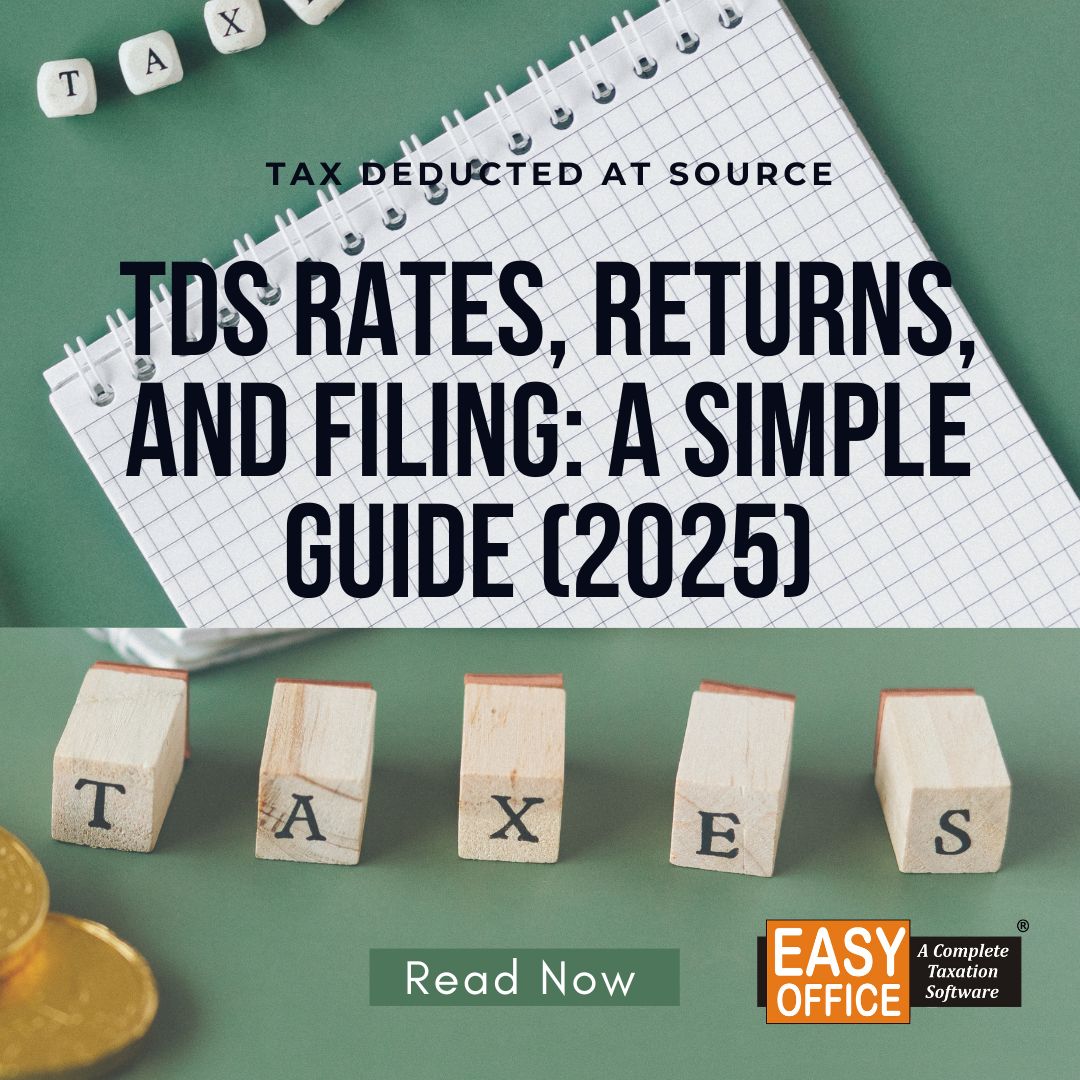
If you work on a salaried basis, do freelance work, or run a small business in India, you will notice TDS being deducted silently from your pay or bill. The problem is that just because the tax was deducted does not necessarily mean it was deducted correctly.
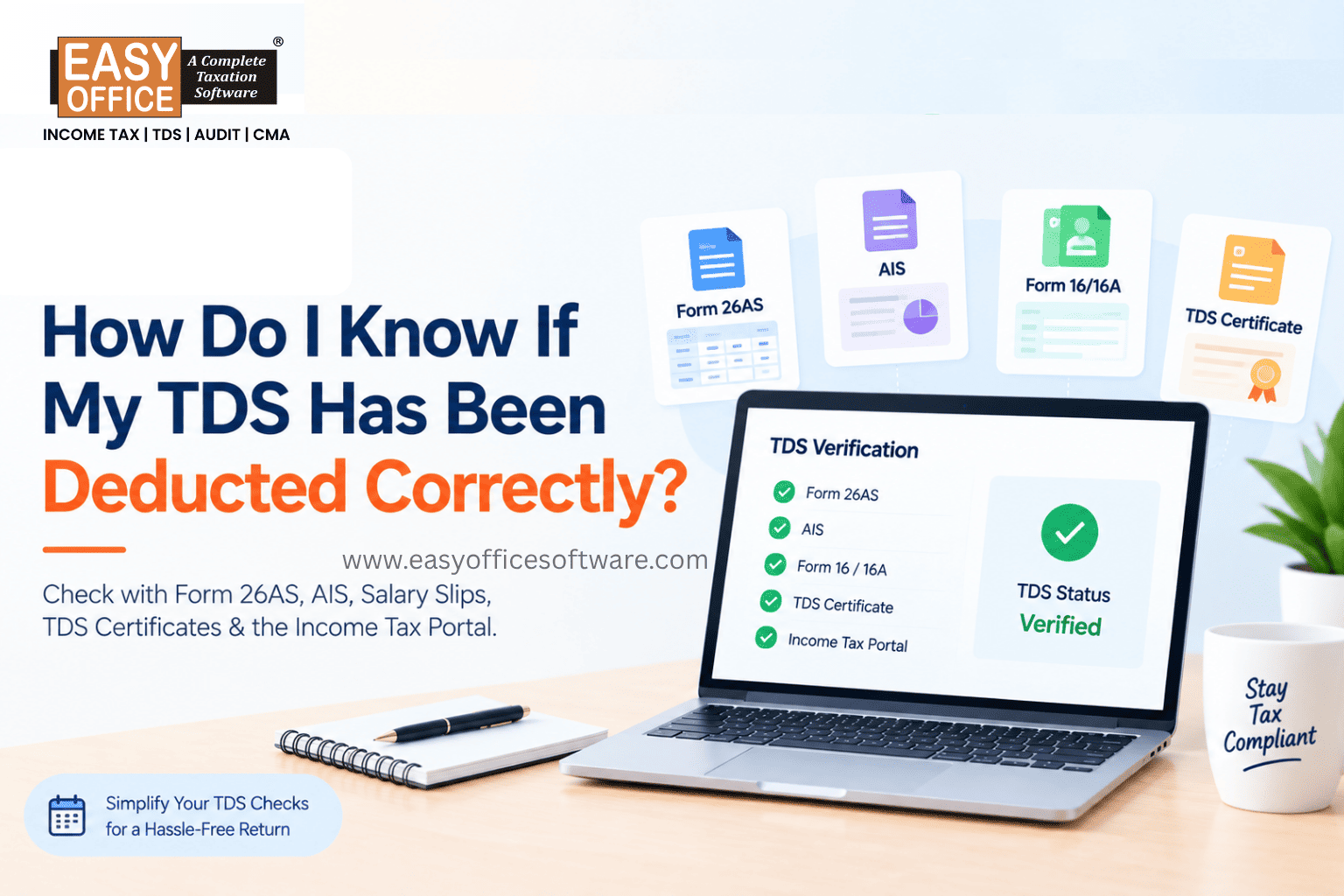
The good news is that checking this isn't hard. A quick comparison between your payslip, Form 16 or 16A, Form 26AS, and AIS can help you identify whether your TDS details are consistent and whether you need to chase anyone before filing your return.
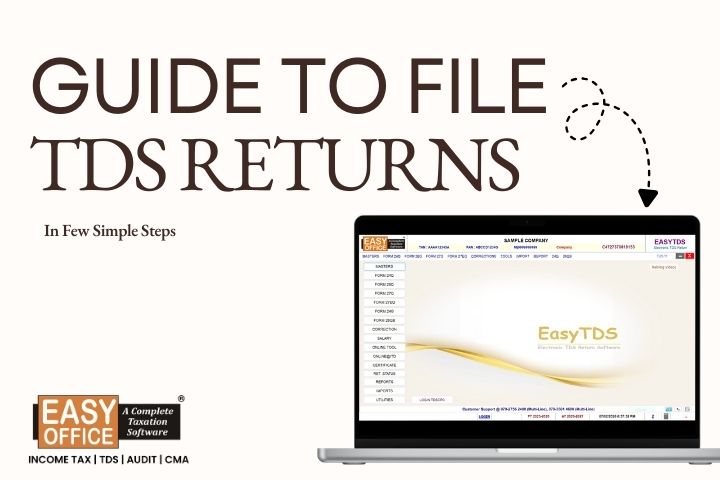
If you're on the other side of this, deducting and filing TDS for employees or vendors using dependable TDS return filing software can save you from a lot of these headaches in the first place.
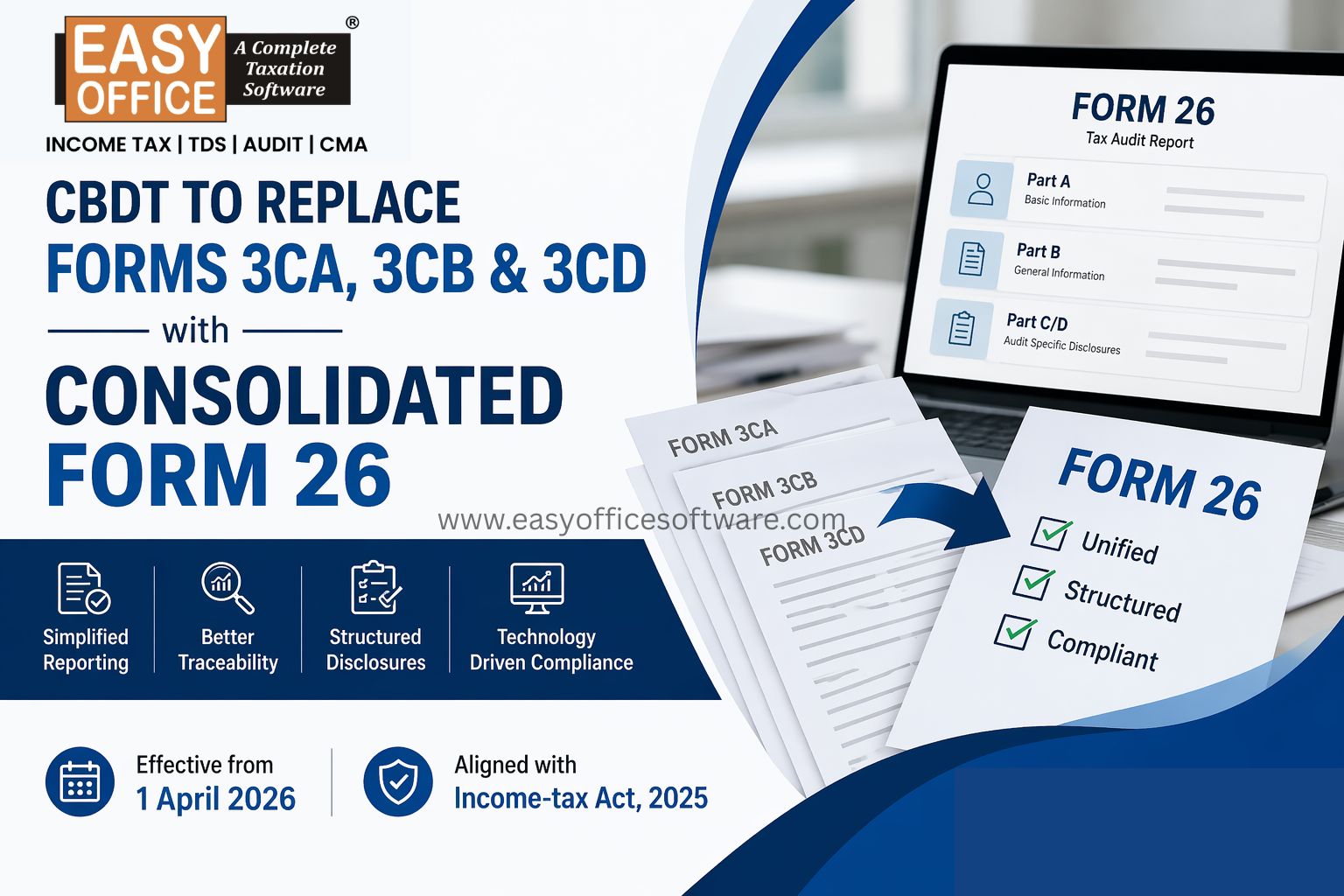
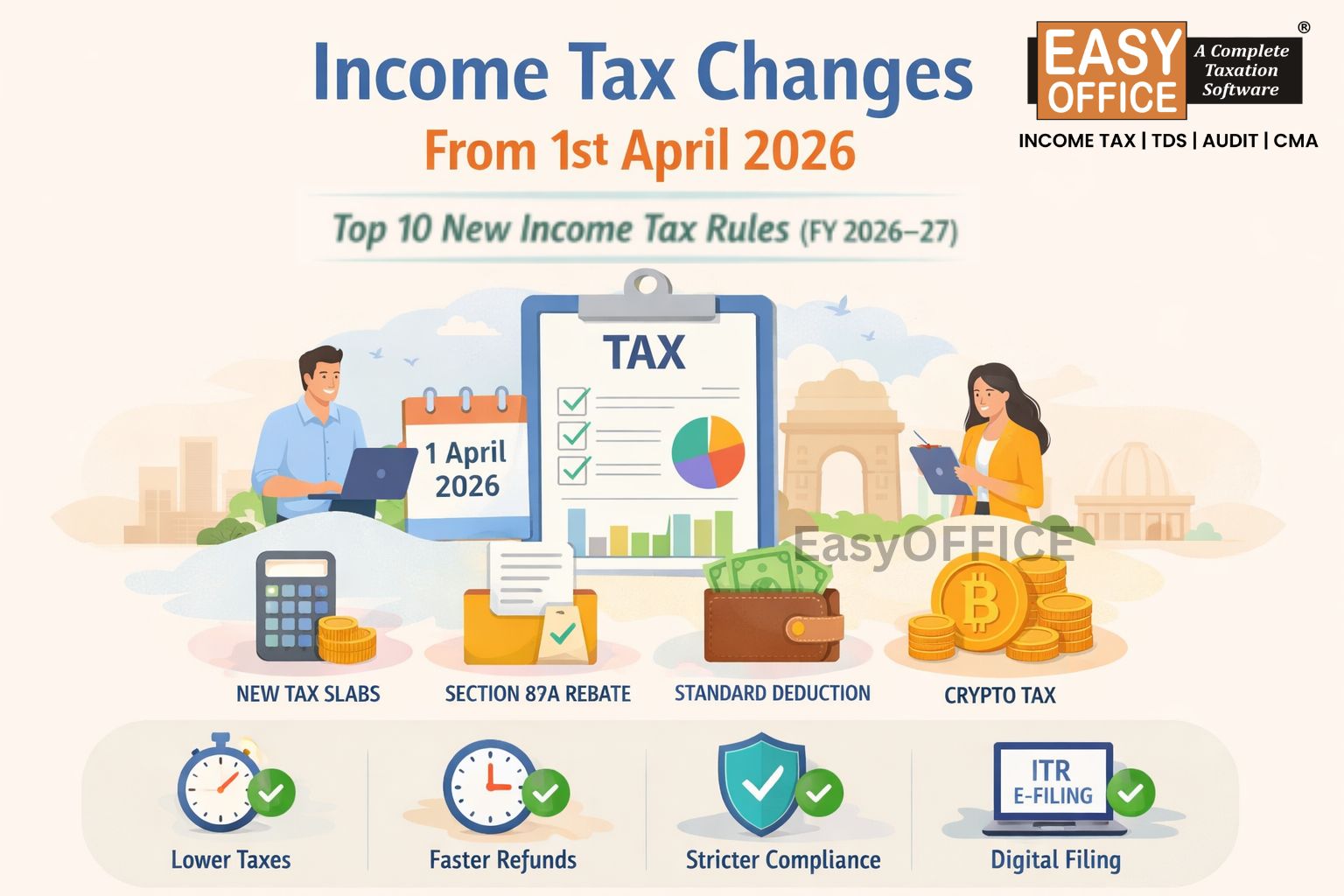
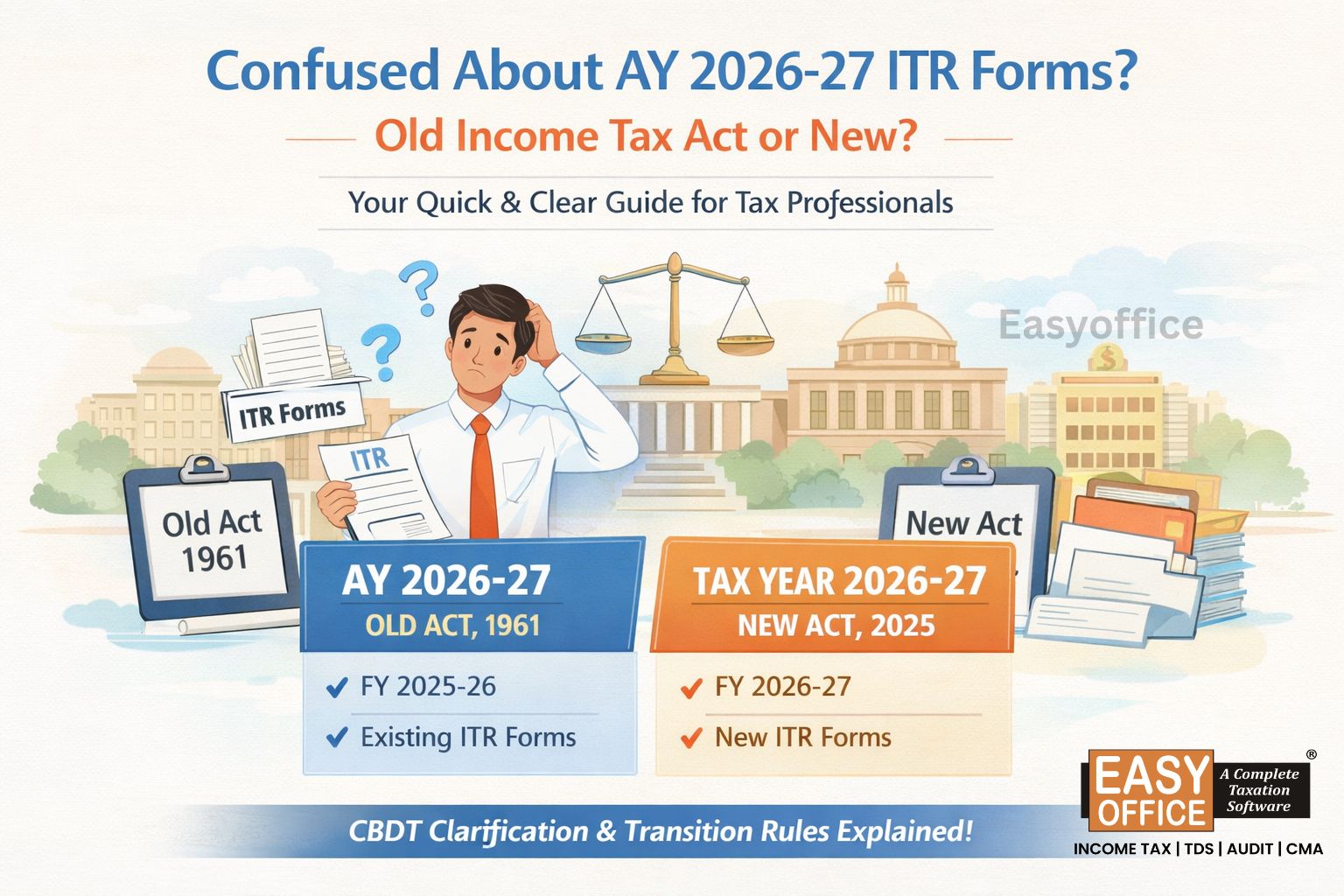
With the Income-tax Act, 2025 coming into effect from 1 April 2026, TDS compliance has also moved to the new framework for payments or credits made from that date. The basic idea remains the same - tax must be deducted, reported and credited correctly, but taxpayers and deductors now need to be aware of new section references, Tax Year terminology and revised TDS statement forms.
What Does "TDS Deducted Correctly" Actually Mean?
In simple terms, TDS is generally correct when:
1. Right section applied
2. Right rate used
3. Right amount deducted
4. Tax deposited on time
5. PAN entered correctly
6. Credit reflecting properly
If any of these details are incorrect, it can lead to a TDS credit mismatch, additional follow-up, or issues while filing or processing your ITR.
Form 26AS is your go-to document for checking this. While AIS gives you a wider picture of your financial footprint reported to the Income Tax Department.
How to Check If Your TDS Was Deducted Correctly
You don't need a CA on speed dial for this. Just a bit of document comparison.
1. Start With Your Salary Slip or Payment Advice
This is your original proof. If your salary is ₹60,000 and TDS was deducted, your payslip should clearly show:
- Gross salary
- Deductions applied
- Taxable income
- TDS amount
For freelancers, the same logic applies. Example : If a client pays ₹1,00,000 after cutting ₹10,000 as TDS, that ₹10,000 should show up later in your tax records.
Keep these slips and invoices handy; you'll need them for comparison.
2. Check Form 16 (New Form 130) or Form 16A (New Form 131) Carefully
Your employer issues Form 130; other deductors issue Form 131. Go through:
- Your name
- PAN
- Deductor's TAN
- Nature of Payment
- Amount paid
- TDS deducted
- Financial/Tax year
Even a small PAN typo here can stop your tax credit from showing up where it should.
3. Cross-Check With Form 26AS
This is where most mismatches get caught. Log in to the e-filing portal or TRACES and pull up your Form 26AS.
Compare it against your Form 130/131 and payslips. Look closely at:
- Deductor name
- Amount paid/credited
- TDS Amount
- Tax deposited/reported
- Financial/ Tax year
Suppose the deduction made from your salary by your employer amounts to ₹45,000, whereas your Form 26AS is ₹35,000. That difference needs to be investigated, because the TDS credit reported to the department does not match the amount shown in your records.
4. Don't Skip AIS
AIS gives a broader view than 26AS: interest income, dividends, and more. If both are checked simultaneously, you'll have a far more accurate idea of what you're working with.
What If TDS Is Missing From Form 26AS?
Don't worry; just because an entry is missing, that doesn't necessarily mean your tax is missing. It's most likely either this:
- Wrong PAN entered
- Wrong amount reported
- Return not filed yet
- Wrong assessment year
- Challan mismatch
- PAN/challan/reporting mismatch
Also check whether sufficient time has passed for the deductor's TDS statement to be processed and the credit to appear.
Otherwise Reach out to the deductor with your proof of payment and ask them to check their filed return. If needed, they can file a correction statement to fix it.
🚨How to File TDS Return Online Step by Step
This part mostly applies if you're the one responsible for deducting TDS for others.
Step 1: Gather Deductee Details
Collect PAN, TAN, payment amounts, challan info and the applicable section for each person.
Step 2: Calculate TDS Correctly
Match the payment type to the right rate. It doesn't matter if you're running a business in Ahmedabad, Surat, or Bengaluru; the rules stay the same nationally; only the payment type changes what applies.
Step 3: Deposit the Tax
Deposit within the due date and keep the challan safe; you'll need it later.
Step 4: Prepare the TDS Statement
Pick the suitable form based on the remuneration structure. There are three forms: salary, non-salary and non-resident.
For Tax Year 2026-27 under the Income-tax Act, 2025, the Income Tax Department has introduced new form numbers.
i. Form 138 - earlier Form 24Q, TDS on Salary (Resident)
ii. Form 140 - earlier Form 26Q, TDS on other than Salary (Resident)
iii. Form 144 - earlier Form 27Q, Non Resident Payments
iv. Form 143 - TCS statement
The applicable form depends on the nature of the payment and the deductor's reporting requirements.
Step 5: Validate Before Submitting
Check for:
a. Invalid PAN
b. Wrong challan
c. Duplicate rows
d. Wrong amounts
e. Wrong dates
This step is exactly where TDS return filing software earns its keep; it flags common data, PAN, challan and validation errors before submission.
Step 6: Submit and Save the Acknowledgement
File through the registered portal, and hold onto the acknowledgement for your records and future corrections if any.
Why More Businesses Are Switching to TDS Software
A five-person consultancy can probably manage TDS on a spreadsheet. A hundred-person company juggling vendors, contractors, and employees? Not so much.
Good TDS return filing software typically helps with:
- Bulk PAN validation
- Updated TDS rates and rules
- Challan tracking
- Pre Validation Facility
- Faster return prep
- Form 130/131 generation
It won't replace understanding the rules, but it does cut down the repetitive, error-prone parts significantly.
Common Mistakes People Make
- Checking Form 26AS only at ITR time
- Checking only Form 26AS and ignoring AIS
- Trusting the payslip alone
- Ignoring small PAN errors
- Claiming credit without verifying
- Filing returns without validation
Quick TDS Verification Checklist Before Filing Your ITR
- Does your payslip/invoice show the TDS deduction?
- Does Form 130/131 (16/16A) show the same TDS?
- Does Form 26AS reflect the TDS credit?
- Have you reviewed AIS for related information?
- Is your PAN correct with the deductor?
- Does the financial/Tax year match?
- Have you contacted the deductor about any mismatch?
FAQs
1. How can I check if my TDS was deducted correctly?
Compare your payslip or invoice with Form 16/16A, Form 26AS, and AIS information.
2. TDS deducted but not showing in Form 26AS. What now?
First check whether sufficient time has passed for reporting/processing, then contact the deductor and ask them to check their filed statement for PAN or challan errors.
3. Can I file my ITR if TDS details don't match?
You may still need to file your ITR by the applicable due date. Keep supporting documents and follow up with the deductor to correct any TDS reporting mismatch.
4. How does TDS return filing software actually help?
It manages deductee records, checks for errors and speeds up the whole filing process.
5. How can I file a TDS return online?
Details must be gathered; TDS calculated and deposited; statement prepared, validated, and filed online; and acknowledgement received.
Final Word
Checking your TDS isn't a once-a-year task; it's a habit worth building every quarter. A few minutes with Form 26AS can save you weeks of back-and-forth later.
And if you're the one handling TDS compliance for a growing team, reliable TDS return filing software from Easy Office Software can help make the process more organised, reduce repetitive manual work, identify common errors and simplify regular TDS compliance.
TDS, TDS Deduction, Form 26AS, AIS, TDS Certificate
Related Blogs

All in one Software
- Income Tax Software
- TDS & TCS Software
- Audit e-filing Software
- CMA Data Software









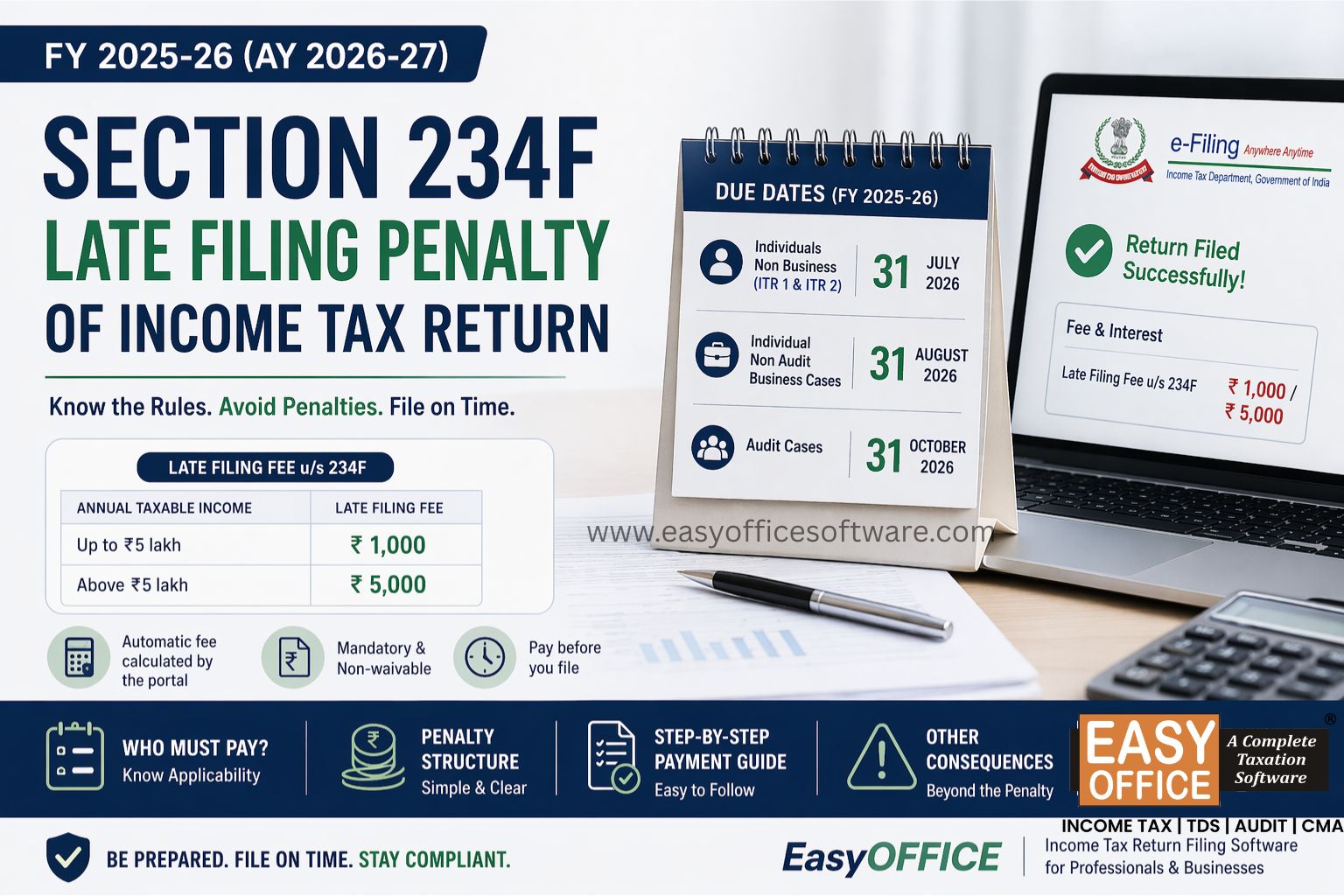
Penalty for Late Filing of Income Tax Return for FY 2025-26 – Section 234F of Income Tax Act 1961
#ITR