TDS compliance in 2026 is no longer a routine task. These days, it’s a system-driven process where even the tiniest mismatch can trigger notices, mess up credits, or lead to penalties. With tighter checks and everything connected, you can’t afford to be careless at any step when filing returns.
Despite using tools, many businesses still struggle. They get rejections because of incorrect data, delayed filings, or old processes that haven’t caught up.
In this article, we explain the most common TDS mistakes in 2026 and show how the best TDS return filing software eliminates them — saving time, money, and compliance risk.
Why TDS accuracy matters more in 2026
TDS filing is now fully integrated - from AIS to Form 26AS. Any mismatch in PAN, section rates, challan data, or submission timing ripples through your compliance ecosystem.
Errors don’t just cause rejections - they impact deductee credits, certificate generation, audits, and your compliance history.
In 2026, accuracy isn’t optional - it’s mandatory.
7 common TDS errors professionals must avoid:
1. Using outdated filing utilities
If you stick with old, outdated utilities, your files get rejected during validation and results in time loss & rework. FVU (File Validation Utility) versions update a lot as per CBDT updates.
Solution:
Choose the best software for TDS return filing that updates automatically with the schema changes.
2. Incorrect PAN, TAN, or section mapping
A wrong PAN or selecting the incorrect section leads to a credit mismatch in Form 26AS. That hits your deductees and leaves compliance holes.
Solution:
Get software that double-checks PANs and maps sections automatically to ensure correct deduction rates.
3. Delayed payment or return filing
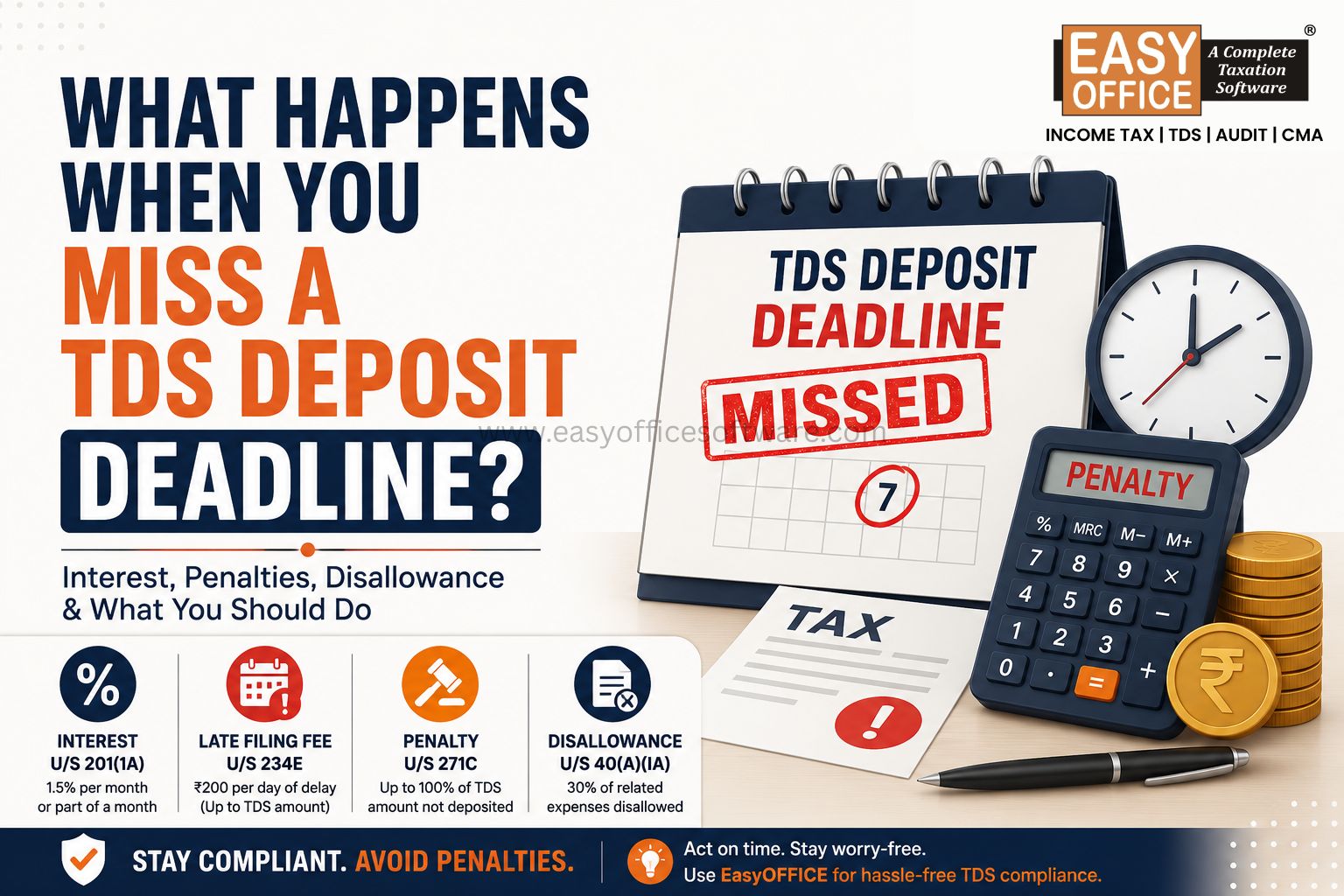
If you pay TDS late, you’ll owe interest under Section 201(1A). File your returns late, and the fee is ₹200 per day under Section 234E of Income Tax Act 1961.
| Type of Delay | Consequence |
|---|---|
| Late payment | Interest @ 1% or 1.5% per month |
| Late filing | Fee ₹200 per day (Section 234E) |
Solution:
Choose the best software for TDS return filing with automatic reminders and clear dashboards to stay on top of deadlines.
4. Challan mismatch and OLTAS errors
If you type in the wrong BSR code, challan number, or deposit date, you’ll run into problems with OLTAS. That means your TDS won’t show up correctly.
Solution:
Get a system that automatically matches your challan details with OLTAS records before you hit submit.
5. Delay in issuing Form 16 and Form 16A
Once you’ve filed returns, you’ve got to hand out certificates. Delay impacts employees, vendors, and audits.
Solution:
Use software with TRACES integration so you can generate certificates right after filing—no waiting.
6. Skipping validation before upload
Many users skip validation checks to save time. This leads to FVU rejection because of missing information or incorrect entries.
Solution:
Pick tools that give you pre-upload validation reports and error logs, so you can fix issues before sending.
7. Incorrect handling of non-resident deductions
For non-resident payments, the rates under Section 195 and DTAA are different. Applying standard rates causes errors.
Solution:
Go with the TDS return filing software that handles DTAA rates and sorts non-resident classifications for you.
Smart workflow for error-free TDS filing
A well-planned process improves compliance and reduces rework.
| Step | Action |
|---|---|
| Data entry | Validate PAN and section mapping. |
| Challan entry | Match with OLTAS records. |
| Validation | Run FVU checks before upload. |
| Filing | Submit within the due dates |
| Certificate | Generate Form 16 / 16A |
| Reconciliation | Cross-check with Form 26AS |
Follow this workflow, and you’ll stay accurate all year round.
Role of Audit and Tax software in TDS compliance
TDS filing is no longer a standalone task - it intersects with audit disclosures, income tax returns and financial reporting.
Key Benefits of Integrated Software:
• Removes duplicate data entry
• Synchronizes TDS with audit/ITR workflows
• Maintains consistency across returns
• Minimizes compliance risk before audits
When your TDS system talks to your audit and tax software, compliance becomes unified — not fragmented.
Why is Software essential in 2026?
If you file by hand, you’re risking mistakes. With multiple TANs, lots of sections, and complex transactions, you need a system.
The top TDS return filing software gives you:
• Auto-validation for PAN and challan
• Real-time error checks
• TRACES integration
• Multi-TAN management
• Digital signature support
It saves you hours and keeps your records clean.
FAQs
1. What is TDS return filing software used for?
It helps prepare, validate, and file TDS returns following CBDT rules.
2. Why do TDS returns get rejected?
Usually because of wrong PAN, challan mismatches, or outdated FVU files.
3. Can one software handle multiple TANs?
Yes. Good systems manage both multi-TAN and branch-level details.
4. Is validation required before filing?
Yes, FVU validation is mandatory before you upload TDS returns.
5. Does TDS software generate certificates too?
Absolutely. Quality software works with TRACES to make Form 16 and 16A.
Final Thoughts
In 2026, TDS compliance demands speed, precision, and strong system integration.
Mistakes don’t just mess up your paperwork; they actually damage your reputation and your compliance history. So, if you want to avoid all those headaches, you need good software on your side. The best tools take care of validation, reconciliation, and filing right on time, which means you spend less time fighting with manual tasks.
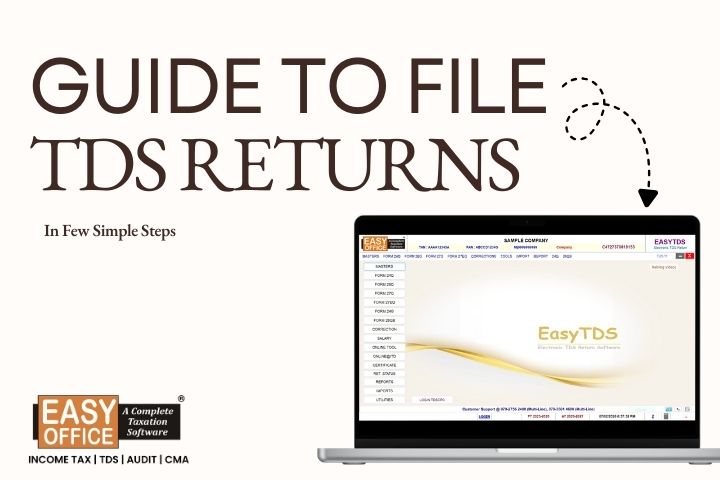
EasyOFFICE - TDS Software is the best software for TDS return filing designed for CAs and tax professionals who’d rather have everything for TDS returns, validation, certificates, and compliance in one place. If you want to keep your filing spotless and stay in control of TDS compliance for 2026-27, EasyTDS gets the job done.
Stay compliant. Stay confident. Let EasyOFFICE software handle the complexity.
Related Blogs

All in one Software
- Income Tax Software
- TDS & TCS Software
- Audit e-filing Software
- CMA Data Software









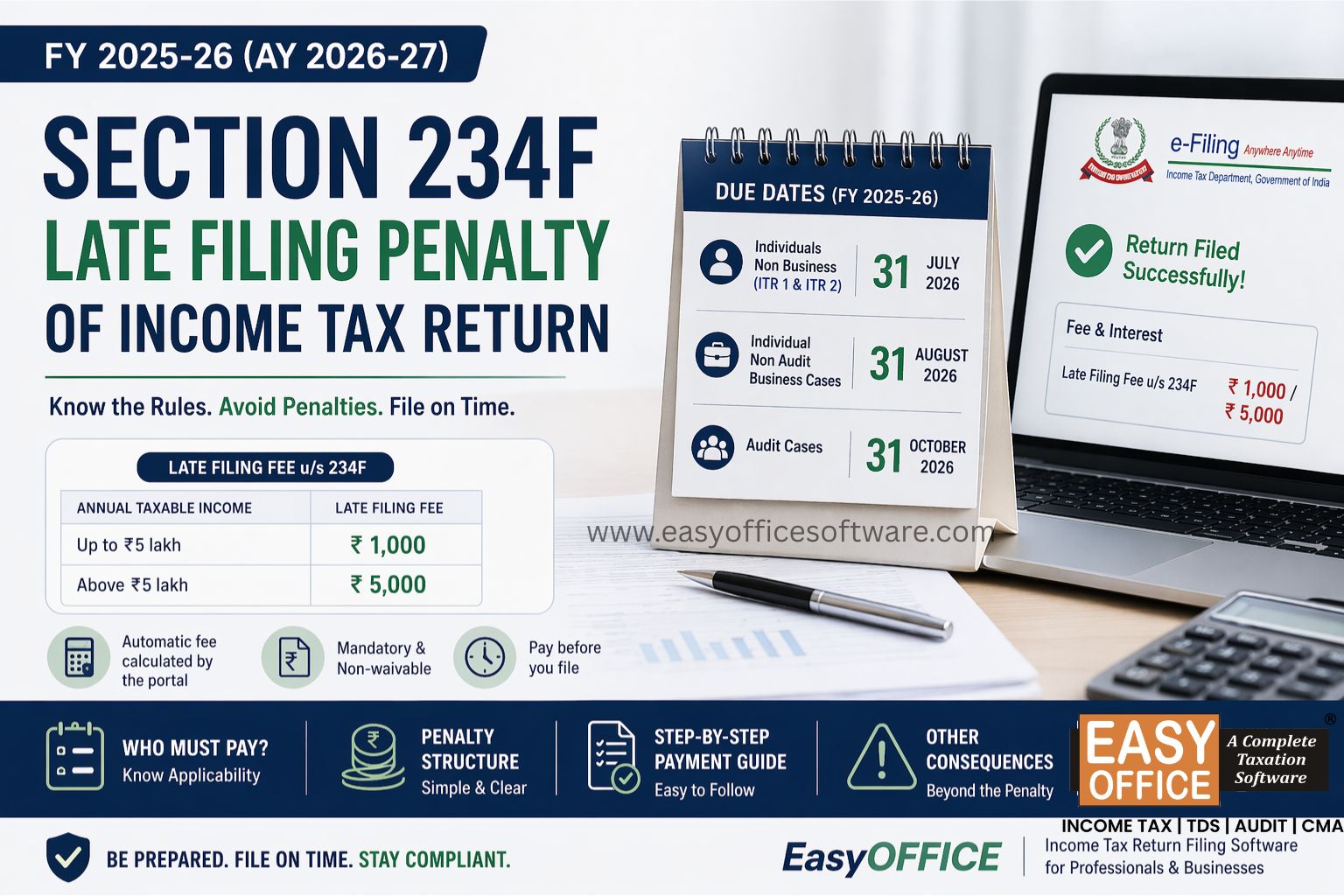
Penalty for Late Filing of Income Tax Return for FY 2025-26 – Section 234F of Income Tax Act 1961
#ITR