Running a business in India means TDS is never really optional. It's one of those things that quietly sits in the background until a deadline gets missed and then it becomes everyone's problem. TDS compliance is governed by Income-tax Act 2025 which requires timely deduction, payment, return filing and certificate issuance.
Whether you're handling payroll for 15 people or paying out dozens of vendors every month, staying on top of deductions takes discipline. That's exactly where good TDS software earns its place in your workflow.
This article breaks down the TDS compliance checklist for businesses using TDS software.
Why TDS Compliance Matters for Indian Businesses
The TDS is taken off before paying:
1.Salaries
2. Professionals
3. Payments to contractors
4. Rent
5. Interest payments
6. Commissions and brokers
It is required that as a business:
✔ The correct rate be used
✔ It be deposited on time
✔ Quarterly returns be made
✔ Certificates be issued on time
✔ Records be maintained for audit
Fail to do any of the above and you're asking for trouble in terms of interest, late charges, penalties or a notice you could have done without.
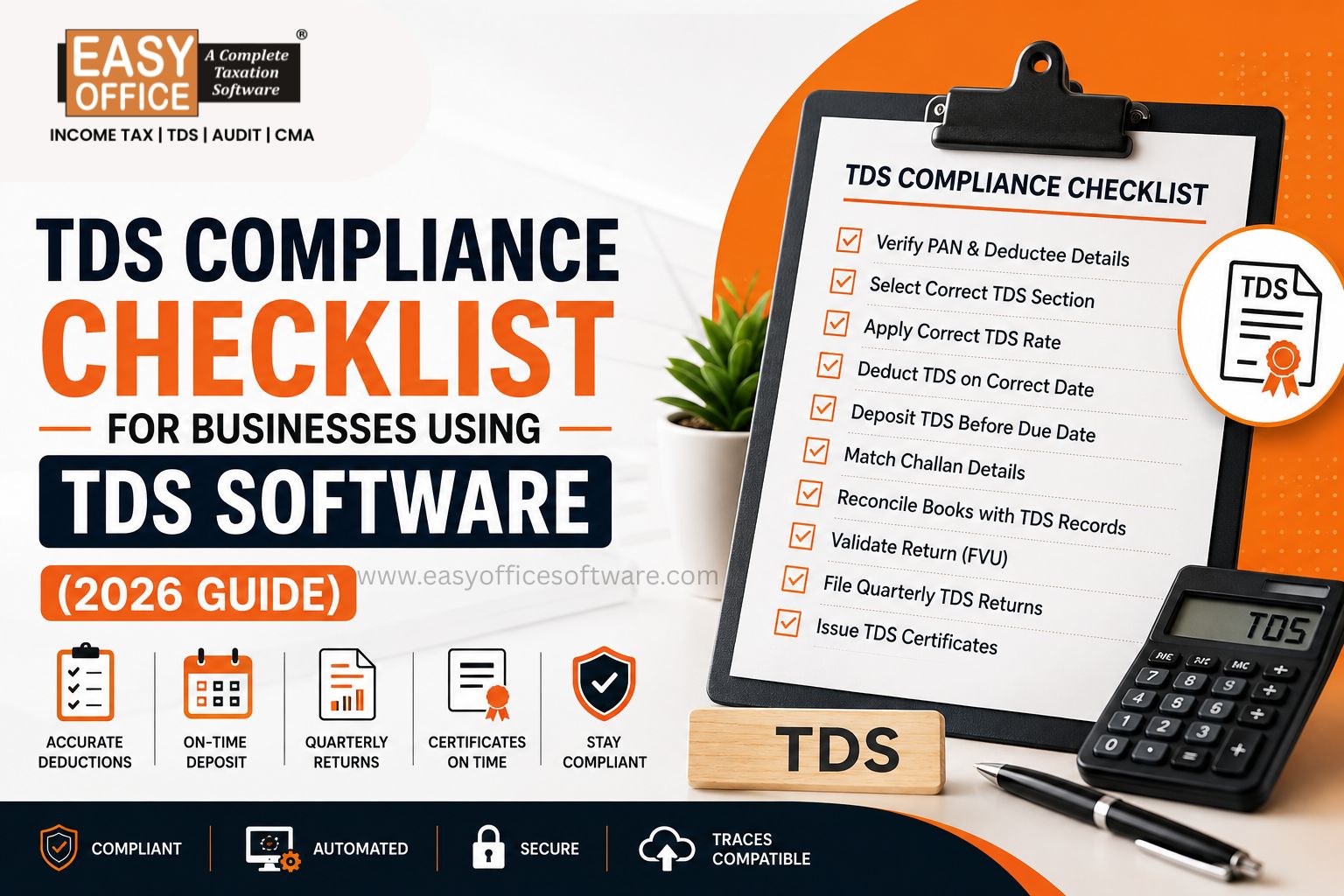
TDS Compliance Checklist for Businesses Using eTDS Software
1. Keep PAN Details Updated
A wrong PAN is probably the single biggest reason returns get rejected. It happens more often than you'd think, especially with new vendors.
Before processing any payment:
✔ Verify employee PAN
✔ Check vendor PAN
✔ Validate new suppliers
✔ Remove duplicates
Most decent eTDS software provide PAN verification option and shows issues automatically, which saves you from finding out the hard way at filing time.
2. Select the Correct TDS Section
Every payment type has its own section and mixing these up leads to wrong deductions.
| Payment Type | Income-tax Act, 1961 | Income-tax Act, 2025* |
| Salary | Section 192 | Section 393 |
| Contractor Payment | Section 194C | Section 396 |
| Professional / Technical Fees | Section 194J | Section 397 |
| Rent | Section 194I | Section 395 |
| Interest (Other than Securities) | Section 194A | Section 394 |
| Commission / Brokerage | Section 194H | Section 395 |
| Purchase of Goods | Section 194Q | Section 394 |
| Rent by Individual / HUF | Section 194-IB | Section 395 |
| Payments by Individual / HUF to Contractors / Professionals | Section 194M | Section 396 / 397 (as applicable) |
| Cash Withdrawal | Section 194N | Section 394 |
*Section references are based on the Income-tax Act, 2025 and may be read along with the applicable rules and notifications.
Get the section wrong and the rate follows it into the wrong territory too.
Note: The above table is for general guidance. Applicable TDS section and its rate depends on the nature of the payment and provisions of the Income-tax Act, 2025, along with relevant rules and notifications.
3. Apply the Correct TDS Rate
Rates shift depending on:
✔ Payment type
✔ PAN availability
✔ Government notifications
✔ Nature of Deductee
This is where manual tracking really falls apart.
4. Verify Deduction Dates
TDS kicks in the moment payment is credited or paid - whichever happens first.
Double-check:
✔ Invoice dates
✔ Payment dates
✔ Accounting entries
✔ Month-end provisions
Getting a date wrong might seem small, but it throws off your entire return.
5. Deposit TDS Before the Due Date
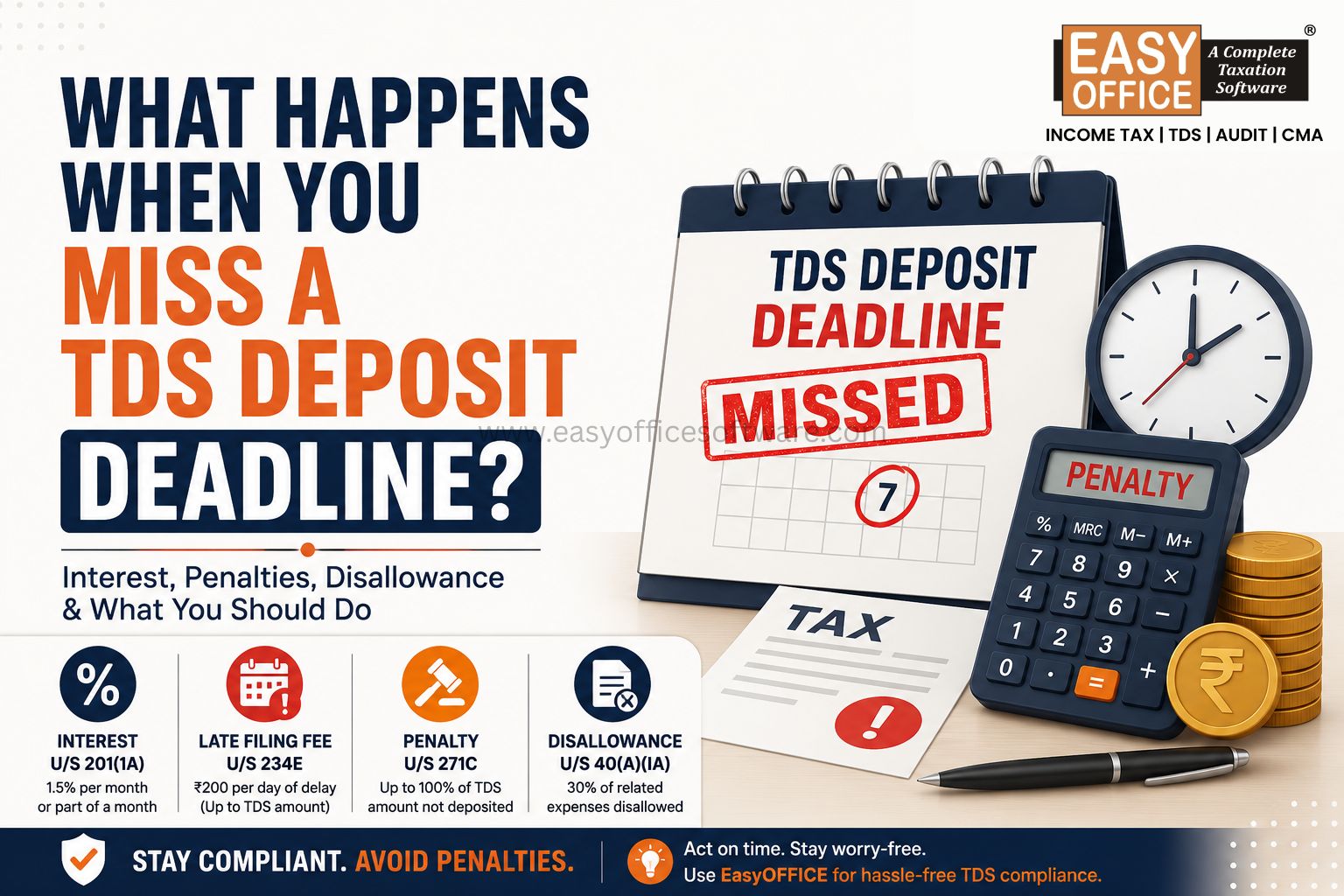
After the deduction of TDS, it is required to be paid to the government by the specified date. Miss it and interest starts adding up fast.
Reminders inside your software help with:
✔ No missed deadlines
✔ Timely challans
✔ Better cash flow planning
Deposit TDS within the prescribed due dates under the Income-tax Act
6. Match Challan Details Carefully
This step trips up more businesses than it should. Small mismatches here cause big headaches later.
Check always:
✔ CIN number
✔ BSR code
✔ Challan number
✔ Amount deposited
✔ Date of deposit
Major Companies and Corporates or even Businesses use TDS Software simply to avoid making such mistakes manually.
7. Reconcile Books with TDS Records
Before you even consider making the file, get ready your:
✔ Purchases account
✔ Expenditure account
✔ Salary account
✔ Vendor payments
✔ TDS deductions
Resolve discrepancies now, before the return is filed.
8. Validate the Return Before Filing
Software Pre-validation tools pick up where our eyes do not.
Some of those include:
✔ PAN not found
✔ Challans that don’t work
✔ Incorrect deductee details
✔ Duplication of entries
✔ File format issues
✔ FVU Validation
Few minutes of validation prevents many hours of corrections.
9. File Quarterly TDS Returns on Time
Depending on the nature of the payment and deductee, businesses are required to file quarterly TDS/TCS returns within the prescribed due dates.
| Purpose | Income-tax Act, 1961 | Income-tax Act, 2025 |
| TDS on Salary | Form 24Q | Form 138 |
| TDS on Payments other than Salary (Resident) | Form 26Q | Form 140 |
| TDS on Payments to Non-Residents | Form 27Q | Form 144 |
| TCS Return | Form 27EQ | Form 143 |
Late filing brings extra fees and notices you don't need. A compliance calendar built into your software makes this far easier to track.
Note: For TDS/TCS relating to periods up to 31 March 2026, the existing forms (24Q, 26Q, 27Q and 27EQ) continue to apply. For Tax Year 2026-27 onwards (where the Income-tax Act, 2025 applies), the corresponding new forms (Forms 138, 140, 144 and 143) should be used, as notified by the Income Tax Department
10. Issue TDS Certificates Promptly
After filing the quarterly TDS return, issue the applicable TDS certificates to the deductees within the prescribed due dates.
| Purpose | Income-tax Act, 1961 | Income-tax Act, 2025 |
| Salary TDS Certificate | Form 16 | Form 130 |
| TDS Certificate (Other than Salary) | Form 16A | Form 131 |
Modern TDS software helps you to:
✔ Generate the applicable TDS certificates automatically.
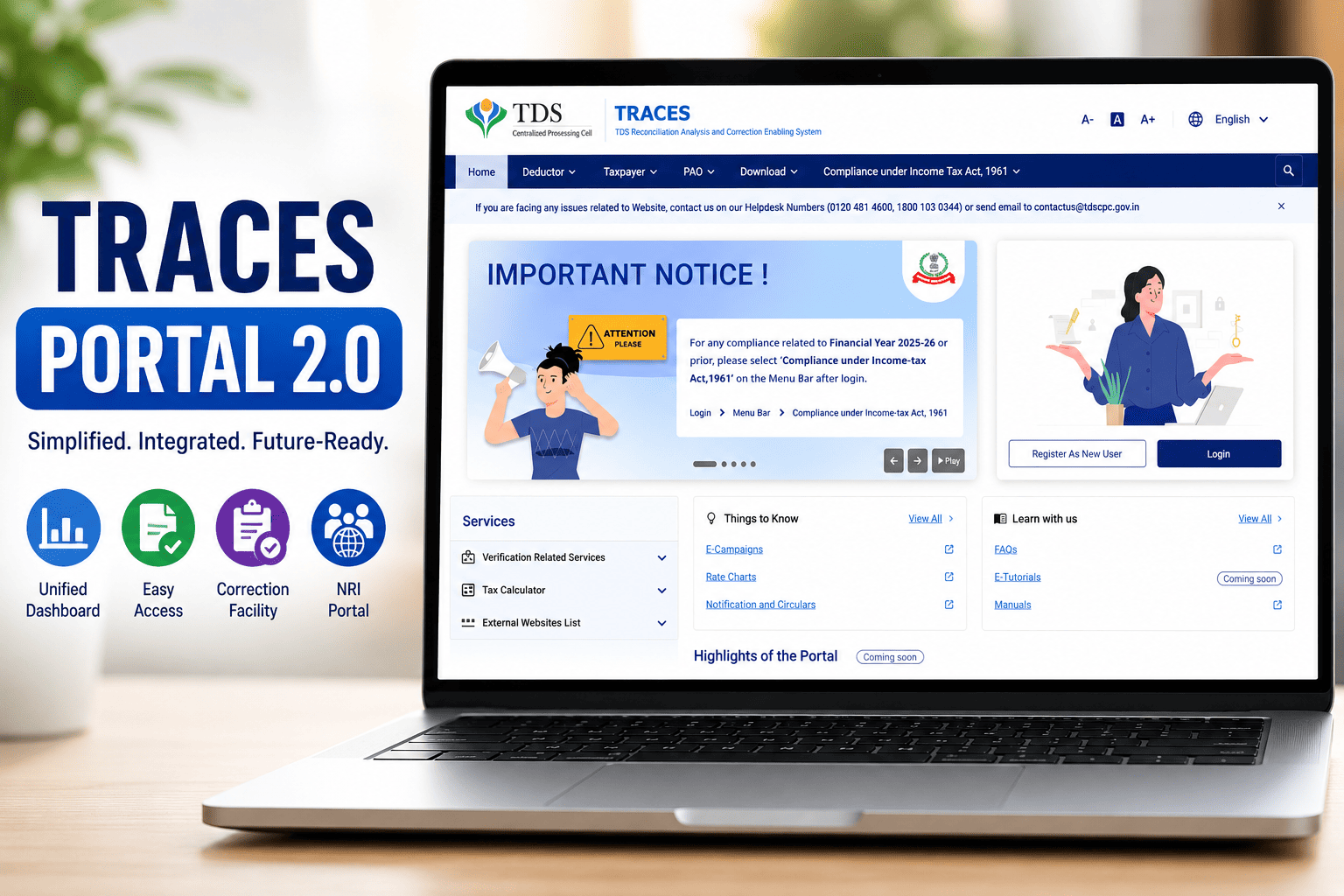
✔ Download the certificates from the TRACES portal after processing.
✔ Digitally sign the certificates (where applicable).
✔ Distribute certificates to employees, vendors and other deductees.
✔ Maintain certificate issuance records for future reference and audit purposes
Features to Look for in Reliable TDS Software
Not all tools are built the same. Look for:
✔ Automatic calculation
✔ Updated tax rules
✔ Bulk PAN Validation
✔ Challan management
✔ Return validation
✔ Bulk data import
✔ Digital filing support
✔ Form 16/16A (130/131) generation
✔ TRACES Compatibility
✔ Correction Returns
✔ Justification Report
✔ Error reporting
✔ Backup and security
The right combination cuts manual work down dramatically.
Common TDS Compliance Mistakes Businesses Should Avoid
❌ Utilization of old rates
❌ Selection of incorrect section code
❌ Submission after the deadline
❌ Incorrect PAN details
❌ No challan reconciliation
❌ No documentation of vendors
❌ Failure to heed validation messages
❌ Delayed generation of certificates
All these can be sorted out through a quick quarterly review.
Best Practices for Smooth TDS Compliance
✔ Regularly update vendor details
✔ Maintain digital copies of challans
✔ Ensure reconciliation before filing
✔ Be aware of government notifications
✔ Reminders for due dates
✔ Backup compliance data
✔ Train staff on changes in rules
✔ Quarterly compliance review.
Such small things make a huge difference in compliance.
Conclusion
TDS compliance need not become difficult after implementing an appropriate system. Right from PAN verification, proper rates, depositing in time and filing on time, all serve to protect you from any penalty.
Good eTDS software takes the routine work off your plate and keeps you ready for whatever the Income tax department throws your way next.
If you're looking for a dependable way to simplify TDS management, Easyofficesoftware.com is built to help Indian businesses file with more accuracy and a lot less hassle.
FAQs
1. What is eTDS software?
It is the software available online that helps in computing tax deducted at source, preparing returns, verifying data, issuing certificates and filing returns according to Indian taxation laws.
2. Does eTDS software prove helpful for small firms?
Yes, it does, since it helps save time by doing away with manual calculations and thus errors.
3. Will eTDS software reduce the error rate in filing TDS?
Yes. Software usually verifies PAN, Challan details, Deduction Rates and format before filing.
4. What is the frequency of filing TDS?
TDS returns are generally required to be filed quarterly, subject to the applicable provisions and due dates prescribed by the Income-tax Department.
5. Can eTDS software generate Forms 16 /130 and 16A / 131?
Yes, because most of the software generates it after filing.
eTDS Software, TDS Compliance, TDS Return Filing, TDS Software India
Related Blogs

All in one Software
- Income Tax Software
- TDS & TCS Software
- Audit e-filing Software
- CMA Data Software









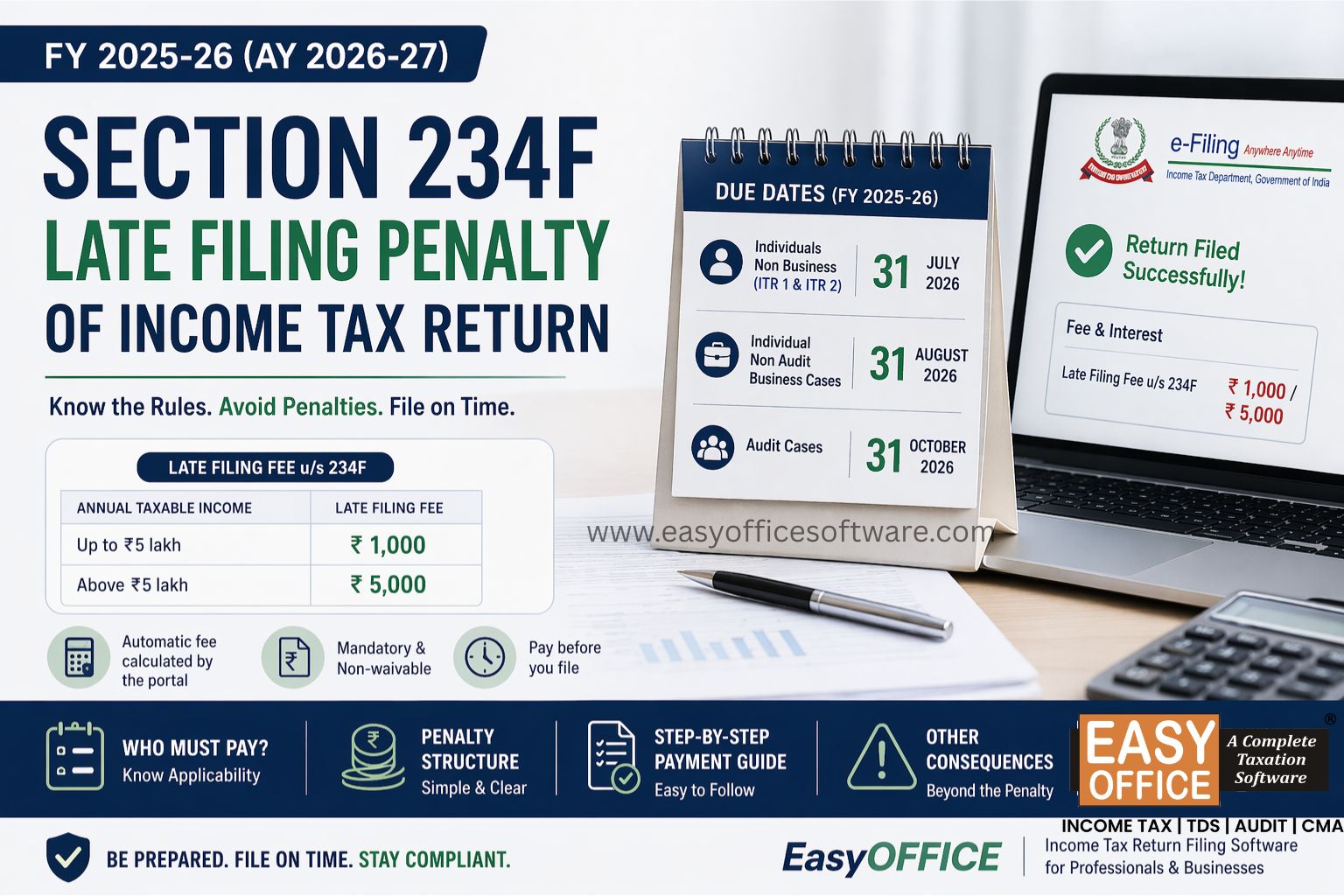
Penalty for Late Filing of Income Tax Return for FY 2025-26 – Section 234F of Income Tax Act 1961
#ITR