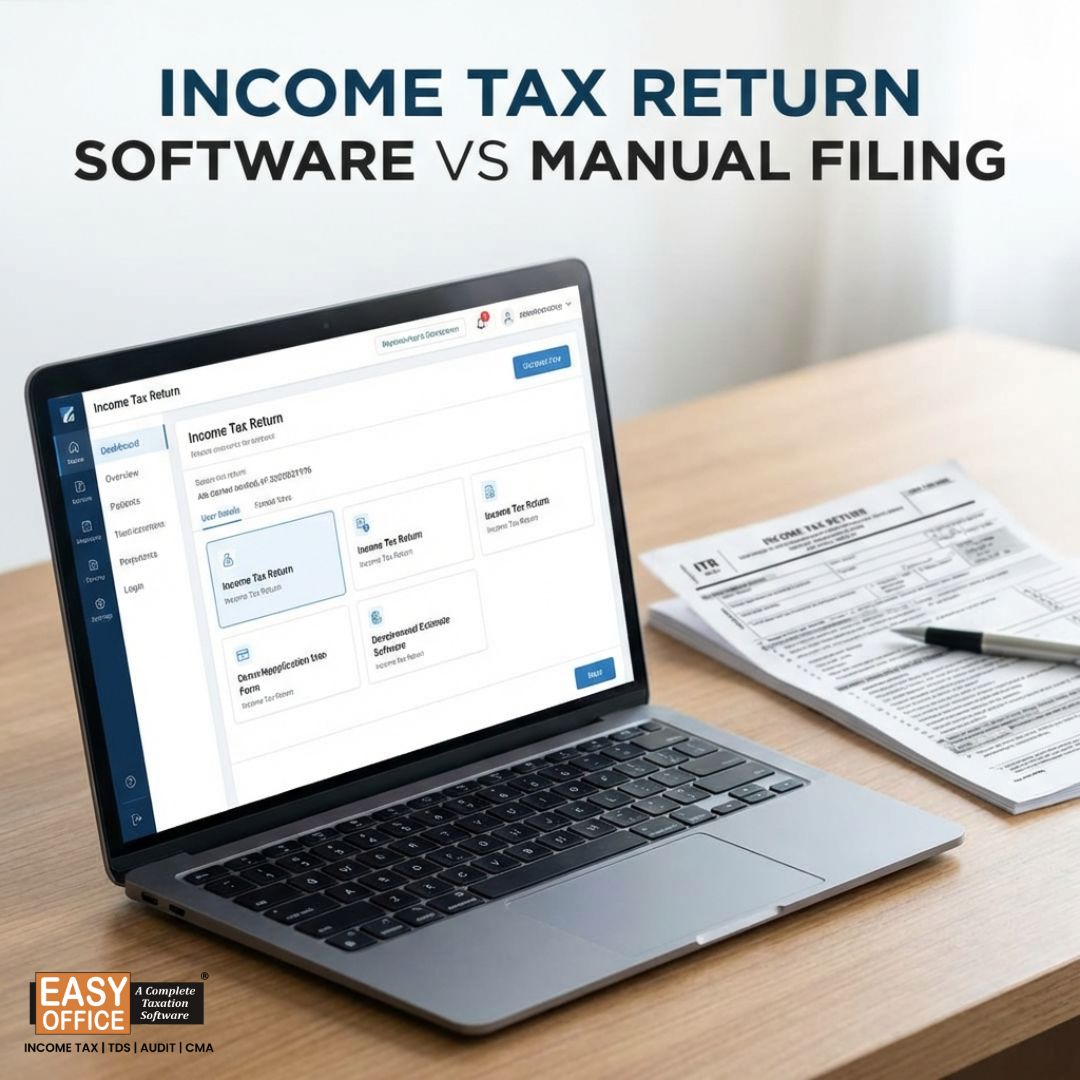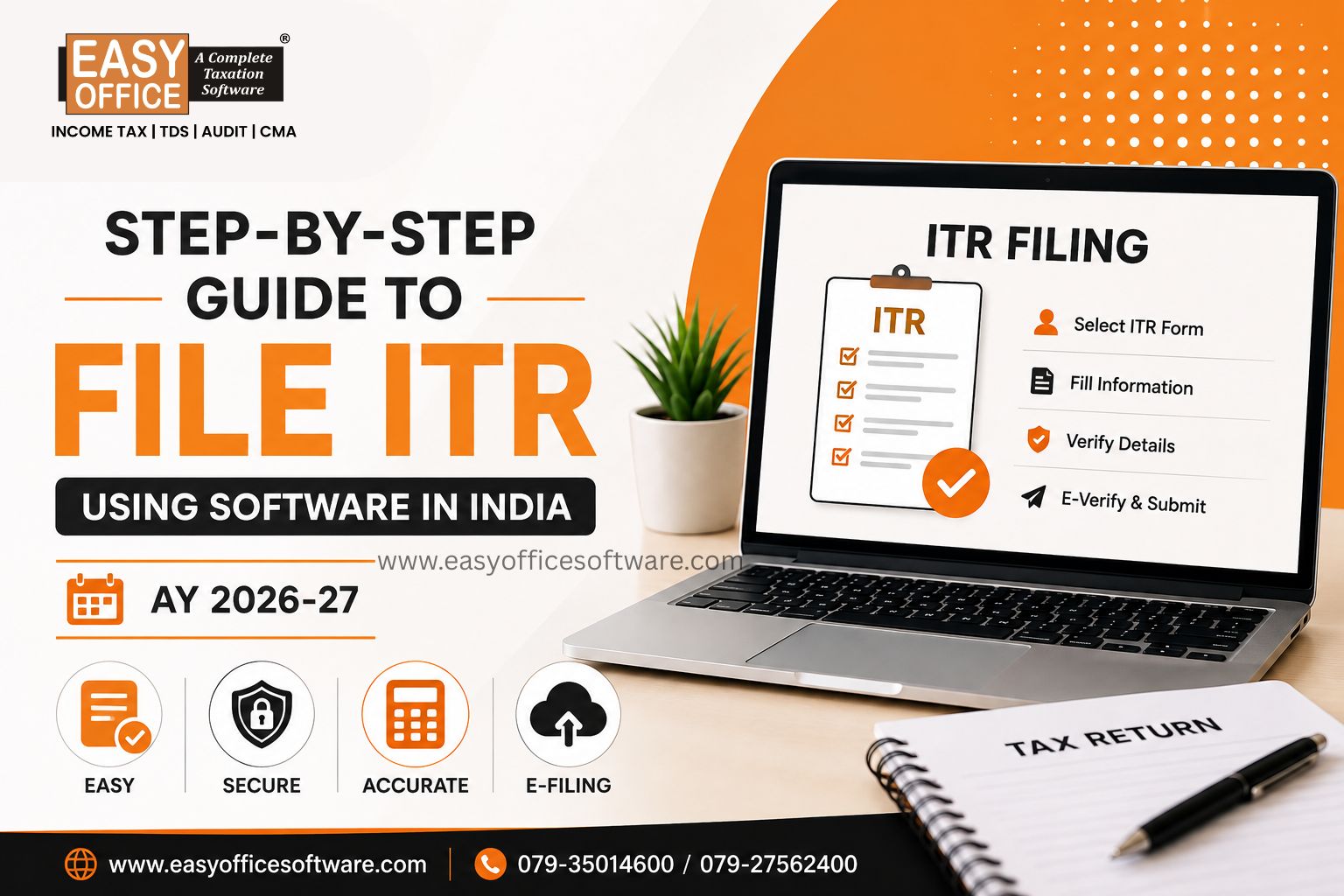
Filing for your income tax need not be a daunting task anymore. Using the best ITR filing software will help you file your entire application online, reduce errors in calculations and avoid paperwork hassles completely.
If you are a salaried individual, freelancer, businessman, or consultant, this Income Tax Software simplifies things for you. Most platforms calculate your tax automatically, pull in your financial data and walk you through each step without making you feel lost.
This guide covers the step-by-step guide to file Income Tax Returns using ITR filing software in India for AY 2026-27.
Why Use the Best ITR Filing Software?
Tax rules shift almost every year, and keeping up manually is genuinely hard for most people. The best ITR filing software stays updated with the latest rules so you don't have to track every circular yourself.
Here's what it actually gets you:
✔ Faster calculations
✔ Automatic error checks
✔ Simple document handling
✔ Secure filing
✔ Fewer rejected returns
✔ Real time saved
If you're a tax professional juggling several clients, software also keeps records organised and lets you track filing status without switching between ten different files.
Step 1: Gather All Required Documents
Before you even open the software, get your paperwork together. Chasing documents halfway through filing is how people give up and put it off for another week.
You'll generally need:
✔ PAN card & Aadhaar card
✔ Form 16
✔ Salary slips
✔ Bank statements
✔ Interest certificates
✔ Capital gains statement
✔ Investment proofs
✔ Home loan certificate
✔ TDS certificates
✔ Rent or freelance income details
✔ Form 26AS
✔ Annual Information Statement (AIS)
✔ Taxpayer Information Summary (TIS)
✔ Foreign income documents (if applicable)
Having all of this ready before you start saves a surprising amount of time.
Step 2: Choose the Best ITR Filing Software
This is probably the most important decision in the whole process.
The software should include the following features:
✔ User friendly dashboard
✔ Timely Compliance updates
✔ Automatic ITR form selection
✔ Tax computation
✔ Pre validation facility
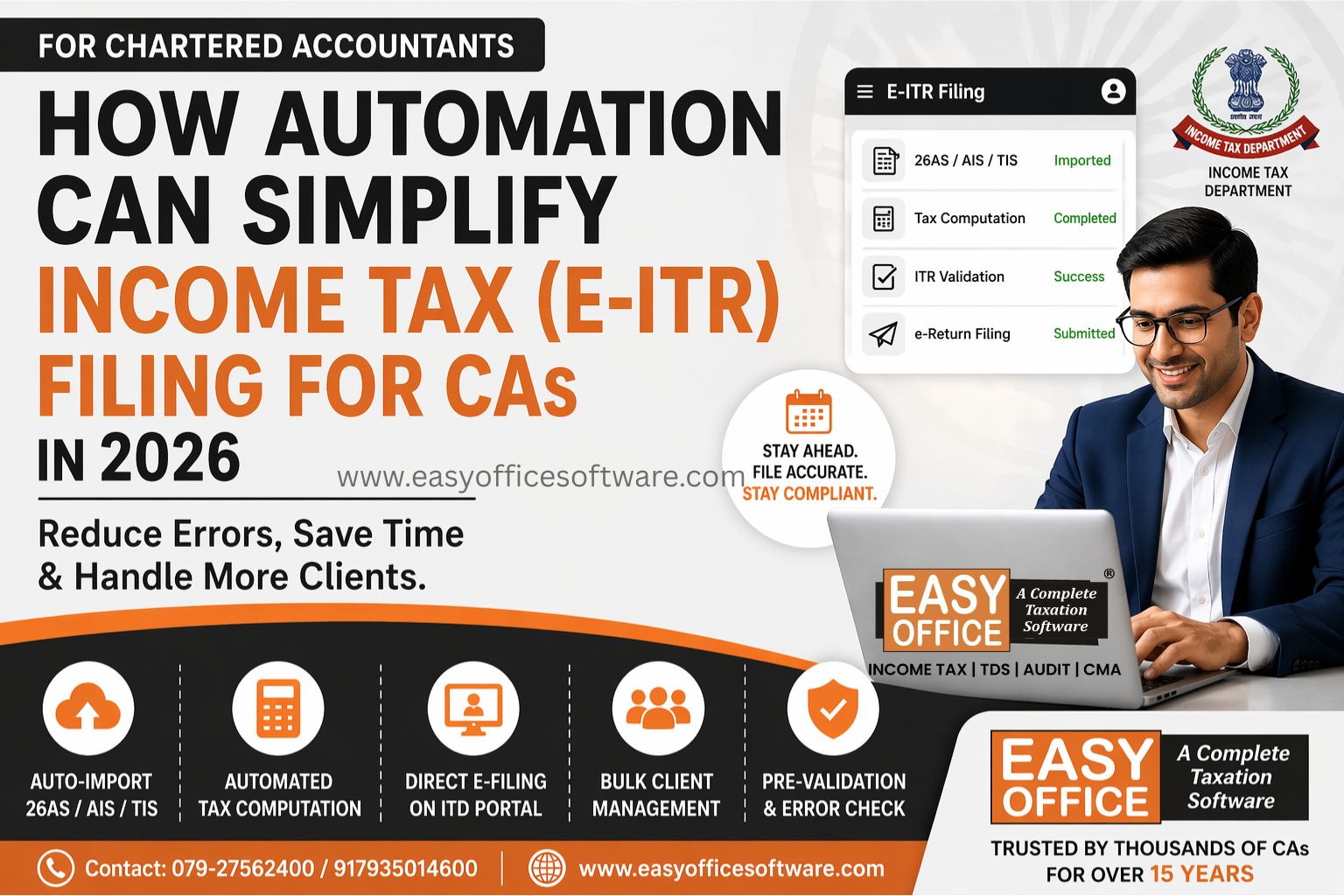
✔ Direct Import of Form 26AS
✔ AIS/TIS Import
✔ E-filing JSON to ITD Portal
✔ Multi Angle Reports
If you are a chartered accountant or a Tax Professional having multiple clients and doing bulk filing, then choose ITR software that caters to multiple users rather than an individual one.
Step 3: Create Assessee Master
Having selected the software, create the assessee master for preparing the ITR:
✔ Auto collects the Profile form ITD Portal with Username and Password (taxpayer credentials)
✔ Or Create the Master manually with required mandatory details
✔ if assessee filed last year on the same platform, your old details often carry forward automatically, saving you a re-entry.
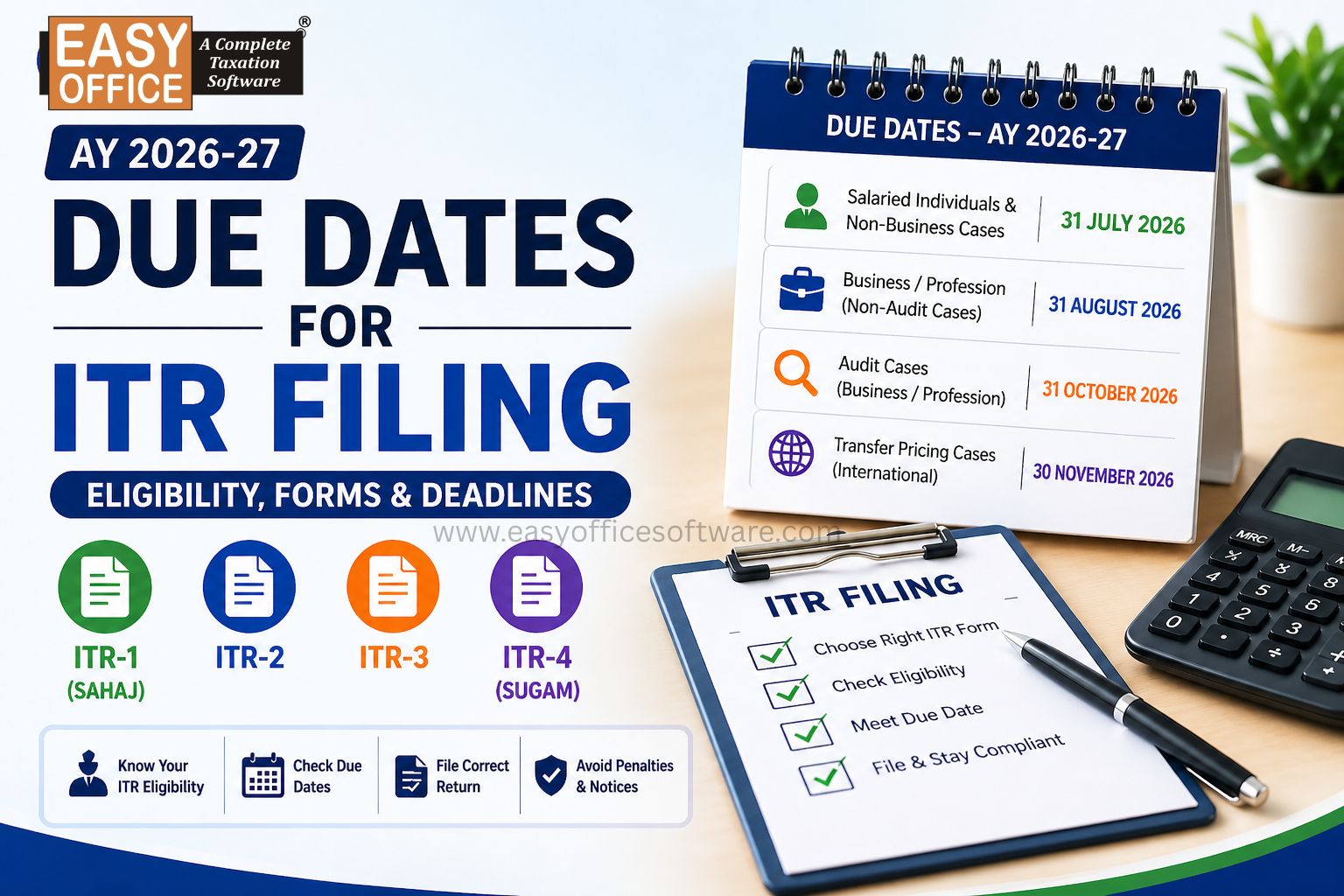
Step 4: Select the Correct ITR Form
Getting this step wrong is one of the most common reasons returns bounce back for correction.
| Taxpayer Type | Common ITR Form |
| Salaried Individuals | ITR-1 |
| Capital Gains/ Foreign Asset | ITR-2 |
| Business/Professional Income | ITR-3 |
| Presumptive Income | ITR-4 |
The good news is that most software today asks a few simple questions about your income and picks the right form for you automatically.
Step 5: Enter Assessee’s Income Details
Now comes the actual data entry. Take your time here, as precision is key here, not speed.
Salary Income - Enter information from Form 16 or salary slip
Business Income - Calculate your turnover, expenditure and net income or Audited financial statement.
Freelance Income - Include consultancy or professional fees earned.
Rental Income - Report earnings from residential or commercial property.
Other Income - Don't skip:
• Savings interest
• Fixed Deposit interest
• Dividend income
• Family pension
• Any other taxable income
Cryptocurrency/Virtual Digital Assets (where applicable)
The ITR filing software handles most of the calculation for you as you go, which is honestly where it saves the most time.
Step 6: Add Deductions and Exemptions
This step decides how much you actually end up paying, so don't rush through it.
Common deductions worth claiming:
• Section 80C
• Section 80D
• Home loan interest
• NPS contribution
• Section 80G donations
• Education loan interest
• Compare Deduction availability in New Tax Regime vs Old Tax Regime impact.
Most software lists out every deduction you're eligible for based on the income details you've already entered, so you're less likely to miss something you're entitled to.
Step 7: Verify TDS and Tax Credit Details
The software mostly takes data directly from:
✔ Form 26AS
✔ AIS
✔ TIS
Just to be sure that:
✔ Your Employer TDS matches
✔ Bank TDS shows properly
✔ Advance Tax is there
✔ Self-assessment tax gets updated
If there is anything wrong, resolve it before proceeding further. Filing with a mismatch is one of the fastest ways to invite a tax notice later.
Step 8: Review and Validate Your Return
This is where the best ITR filing software really earns its keep. It looks out for the following:
✔ Empty fields
✔ Wrong PAN details
✔ Faulty bank details
✔ Calculation mistakes
✔ Mandatory fields left empty
✔ Mismatch of income details
✔ Schema validation
Solve all flagged errors before clicking submit. It is better to do so now rather than getting an intimation about the flawed tax form later on.
Step 9: Submit Your ITR
Once you're confident everything checks out:
✔ Review final tax calculation
✔ Submit electronically
✔ Save the acknowledgement
Most platforms now let you upload directly through a secure connection to the Income Tax Department, so there's no need to visit the portal separately.
Step 10: Complete ITR Verification
Your return isn't actually complete until you verify it. This step trips up more people than you'd expect.
Common verification methods:
• Aadhaar OTP
• Net banking
• Bank account
• Demat account
• Digital Signature (DSC)
Once verified, keep your acknowledgement somewhere safe. You may need it later for a loan application or visa process.
Common Mistakes to Avoid While Filing ITR
Even people who file every year slip up on these:
1. Wrong ITR form
2. Forgetting extra income
3. Wrong bank details
4. Skipping 26AS/AIS check
5. Claiming deductions without proof
6. Skipping e-verification
7. Filing at the last minute
8. Wrong PAN or Aadhaar entry
9. Choosing the wrong tax regime
Avoiding these keeps you clear of notices, delayed refunds and unnecessary back-and-forth corrections.
Who Can Benefit Most from ITR Filing Software?
This isn't just for salaried folks. It works well for:
✔ Salaried employees
✔ Small business owners
✔ Chartered Accountants
✔ Tax consultants
✔ Freelancers
✔ Doctors
✔ Lawyers
✔ Start-ups
✔ Self-employed professionals
✔ Partnership firms
✔ LLPs / HUFs
✔ Companies
✔ Trusts
Whether you're filing for yourself or managing returns for a dozen clients, software cuts the manual work down considerably.
Actionable Takeaways
1.Collect documents early
2. Pick compliant software
3. Verify Form 26AS, AIS, TIS
4. Check deductions carefully
5. Validate before submitting
6. E-verify immediately
7. Save your acknowledgement
Conclusion
Using the best ITR filing software makes filing of taxes no longer a hectic task but rather a systematic and organized process. Right from selecting the correct ITR form to checking your filed return, reliable software will take care of everything for you.
If you want to file your tax return on your own or are managing returns of several clients, the right software will help save a lot of your time while minimizing mistakes.
FAQs
1. What is the best software to file ITR?
The best ITR software must provide you with accurate calculations, comply with the latest tax laws, support various ITR forms, file securely and also provide good client management facilities.
2. Can I fill ITR online through software?
Yes. Most software now allows preparing, validating and filing returns online anywhere in India.
3. Is there ITR e-filing software for freelancers?
Yes. Freelancers can give details about their earnings, expenses, etc., just as easily as salaried people do.
4. What are the documents that need to be prepared prior to ITR?
The following documents, like PAN number, Aadhaar number, Form 16, etc., should be prepared prior to ITR filing.
5. Can software reduce mistakes in filing?
Yes, the best ITR filing software has automatic error checking systems that minimize the number of errors during filing.
ITR Filing Software, Income Tax Return, Tax Software India, Income Tax Filing
Related Blogs

All in one Software
- Income Tax Software
- TDS & TCS Software
- Audit e-filing Software
- CMA Data Software







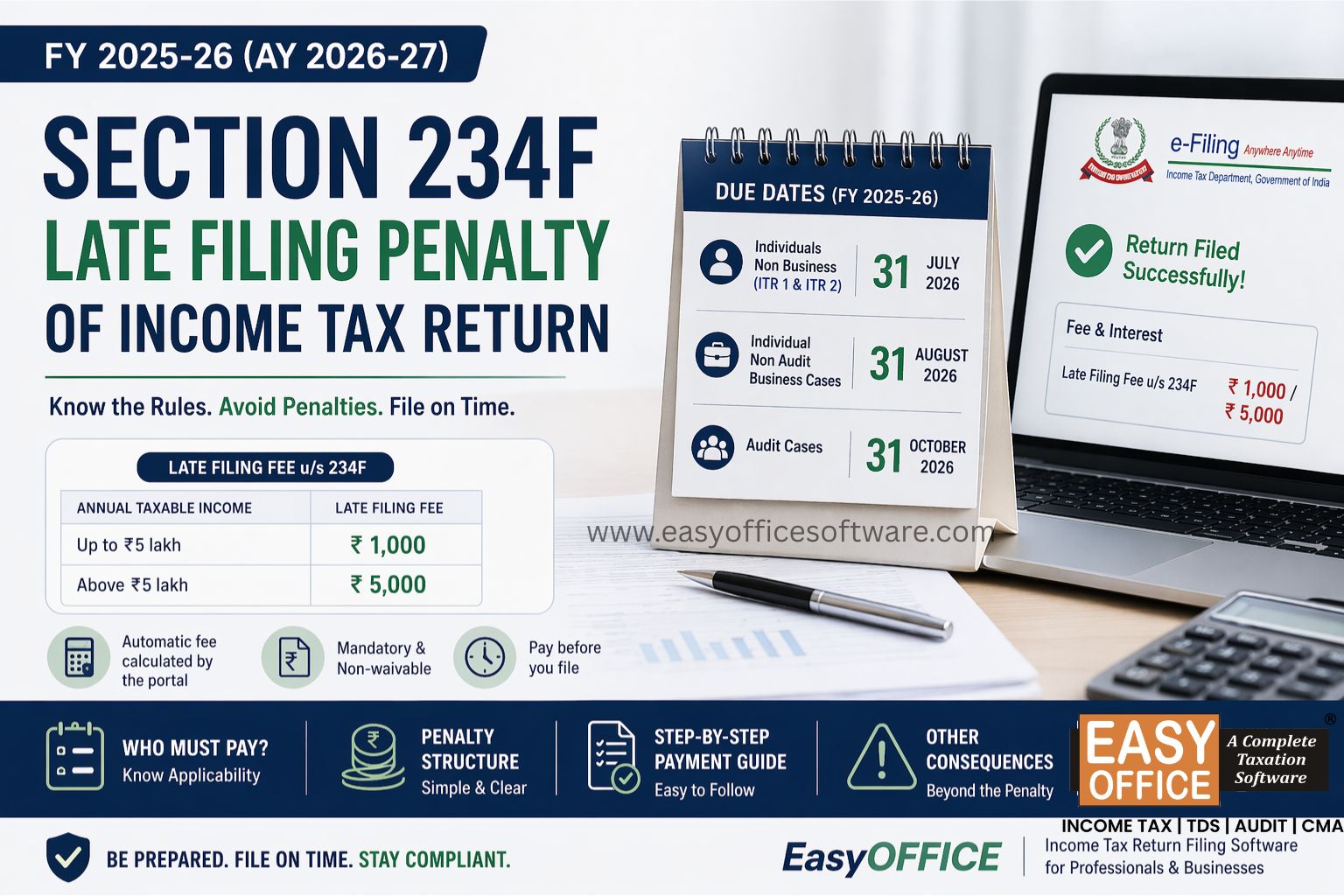
Penalty for Late Filing of Income Tax Return for FY 2025-26 – Section 234F of Income Tax Act 1961
#ITR