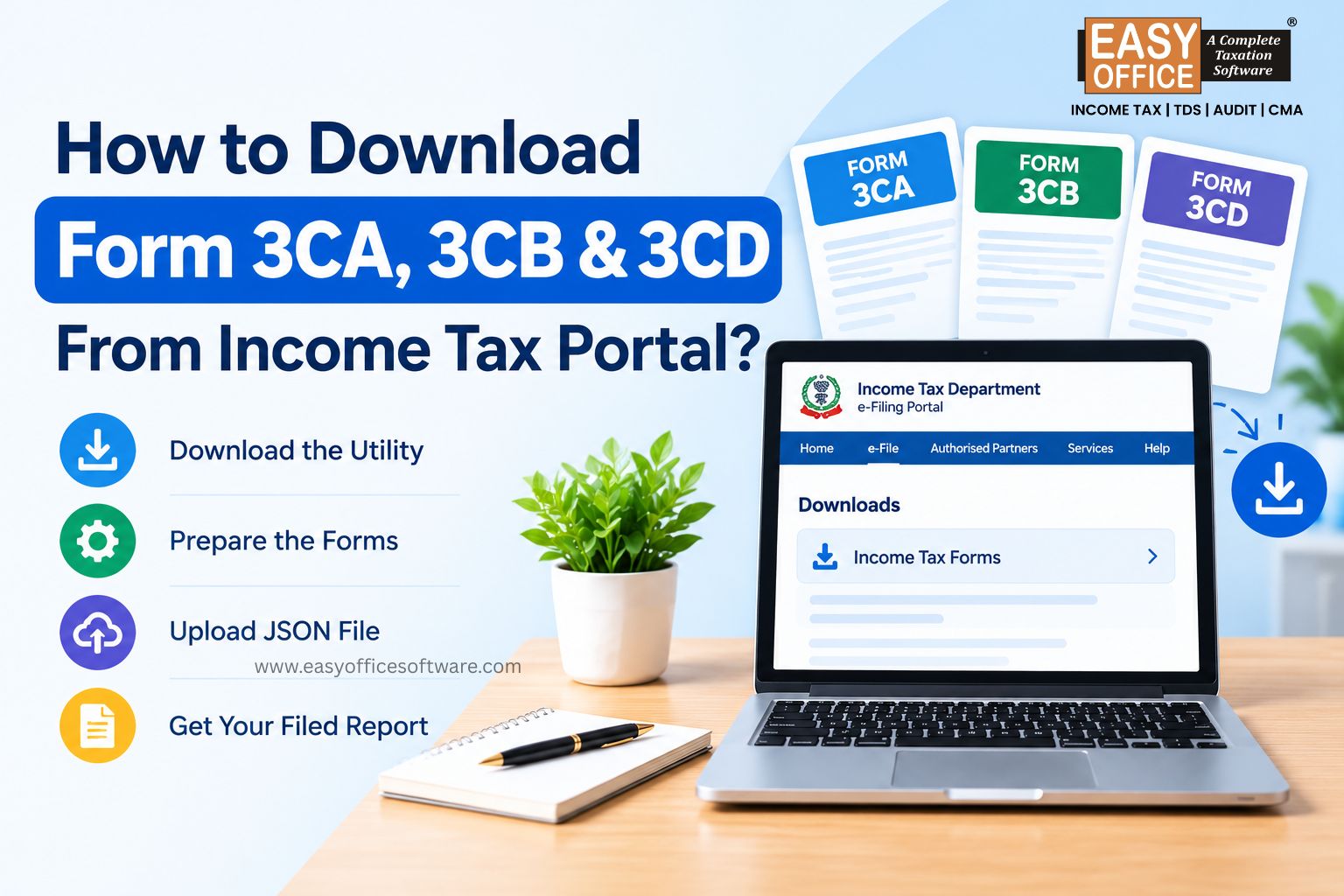
Every tax audit season, the same question pops up: where exactly do I find Form 3CA, 3CB or 3CD on the Income Tax portal?
Here's the catch. You don't download three separate PDFs and submit them. The department offers a common offline utility for Form 3CA-3CD and 3CB-3CD. Your Chartered Accountant (CA) fills it in, creates a JSON file, and uploads it. All of this sits under Section 44AB.
If you juggle many clients, income tax filing software can also take away a lot of repetitive data entry. Let's go through the process step by step.
What Are Forms 3CA, 3CB and 3CD?
Let's sort out the basics first.
Form 3CA-3CD applies when a taxpayer's accounts are required to be audited under another law. Form 3CA contains the audit report, while Form 3CD contains the prescribed statement of particulars for tax audit purposes.
Form 3CB-3CD applies when a tax audit is required under Section 44AB, but the accounts are not required to be audited under another law. Form 3CB contains the audit report, and Form 3CD contains the statement of particulars.
| Situation | Applicable form |
| Accounts are required to be audited under another law | Form 3CA-3CD |
| Tax audit is required, but no audit is required under another law | Form 3CB-3CD |
Form 3CD is filed as part of the applicable combination; it is not a separate alternative to Form 3CA or Form 3CB. Only one of these two combinations applies to a particular tax audit.
How to Download Form 3CA-3CD or 3CB-3CD
The process is simple once you know where to look.
Step 1: Open the e-Filing portal
Visit the official Income Tax e-Filing website. Head to Downloads, then Income Tax Forms.
Step 2: Find the utility
Look for the Common offline utility for Form 3CA-3CD and 3CB-3CD. It comes as a ZIP file.
Check the release date and download the latest version available on the official portal. Older utilities may not reflect the latest form requirements or schema changes.
Step 3: Download and install
Extract the ZIP on your computer. The portal says Microsoft Edge is needed before installation, as specified on the official Downloads page.
The utility is the same for everyone. Follow the utility's current installation instructions if your system displays additional prerequisites or compatibility messages.
Step 4: Choose the right form
Your CA selects the applicable combination:
Form 3CA-3CD: accounts audited under another law
Form 3CB-3CD: no such audit applicable
The CA fills in 3CA or 3CB first, then completes the particulars in 3CD.
Step 5: Generate the JSON file
After entering and validating the data, the utility creates a JSON file. This file, not a filled PDF, goes to the portal.
How Does the Form Reach the Income Tax Portal?
The taxpayer starts the process. Log in and follow this path:
Login → e-File → Income Tax Forms → File Income Tax Forms
Select the applicable form combination, choose the assessment year and assign a registered CA.
The CA accepts the assignment from the Worklist and prepares the report in the offline utility. Then the CA uploads the JSON, attaches any supporting documents and submits it using a Digital Signature Certificate (DSC).
After the CA submits the form, the taxpayer must follow the portal's pending-acceptance workflow and complete the required acceptance and verification steps.
Can You Download a Filed Form 3CA, 3CB or 3CD?
Yes. Downloading the offline utility and downloading a previously filed tax audit report are two different processes.
1. To prepare a new report: Visit the Downloads section and download the common offline utility for Form 3CA-3CD and Form 3CB-3CD.
2. To download a previously filed report: Log in to the Income Tax e-Filing portal and navigate to e-File → Income Tax Forms → View Filed Forms.
3. Search by the form name or number, locate the relevant filing and use the available download option to access the form, acknowledgement, uploaded JSON or supporting attachments, as applicable.
Need a copy of an earlier report? Check View Filed Forms. There's no need to download the utility again.
Practical Tips Before Preparing Form 3CA, 3CB and 3CD
Some checks save a lot of trouble:
1. Confirm assessment year and filing type
2. Determine Form 3CA-3CD or Form 3CB-3CD applies
3. Use the latest utility
4. Keep books of account, audit details and supporting documents ready
5. Register taxpayer and CA
6. Check PAN is active
7. Keep DSC handy
8. Save JSON securely
9. Note acknowledgement number
Both the taxpayer and the CA need an active PAN, and the CA must be assigned before work begins.
Common Mistakes to Avoid
Using an old utility
Utilities get updated when requirements or schemas change. An outdated one can cause upload trouble.
Picking the wrong form
Don't choose based on business type. The real test is whether another law requires an audit of your accounts.
Treating 3CD as standalone
Form 3CD is only the statement of particulars. It always accompanies 3CA or 3CB.
Skipping the CA Assignment
These are tax audit reports. An eligible CA assigned by you must prepare and upload them.
Relying on outdated third-party templates
Use the official utility and current instructions. Unofficial or outdated templates may not reflect the latest reporting requirements.
How Can Income Tax Filing Software Help?
Tax professionals often manage multiple clients, financial records, tax calculations and filing deadlines during audit season. Income tax filing software can help organize routine compliance work and reduce repetitive data entry.
Think of a CA firm in Surat managing forty business clients at once. Tracking assessment years, documents and pending actions in a spreadsheet gets messy fast. A structured tool keeps it all in one place.
That said, software supports the CA, it doesn't replace them. The audit report still needs professional review and the CA's judgement.
FAQs
1. Where can I download Form 3CA and 3CB?
Go to Downloads → Income Tax Forms on the e-Filing portal. Download the common offline utility for Form 3CA-3CD and 3CB-3CD.
2. Is Form 3CD available separately?
No. Form 3CD is used along with 3CA or 3CB. The department gives one utility covering both combinations.
3. Who prepares Form 3CA-3CD?
A registered CA assigned by the taxpayer. The CA uses the offline utility and uploads the JSON file to the portal.
4. What is the difference between Form 3CA and Form 3CB?
Form 3CA applies when accounts are audited under another law. Form 3CB applies when Section 44AB tax audit is required but the accounts are not required to be audited under another law.
5. Can income tax filing software be used for tax compliance work?
Yes. Income tax filing software helps manage data, calculations and routine compliance tasks. Tax audit reports must still follow the official process and professional review.
6. Can I download a previously filed tax audit report?
Yes. Log in to the e-Filing portal and navigate to e-File → Income Tax Forms → View Filed Forms. Search for the relevant form and use the available download option.
Conclusion
Downloading Form 3CA, 3CB and 3CD really means getting the right common offline utility, not three separate PDFs. You assign the form to a CA; the CA prepares it, generates the JSON and uploads it on the portal.
Use the latest official utility and keep your documents in order, and the process gets much smoother. For professionals handling regular compliance work, dependable income tax filing software can simplify data management and everyday filing tasks.
Want practical tools for tax and office compliance workflows? Explore the solutions at EasyOfficeSoftware.
Form 3CA, Form 3CB, Form 3CD, Tax Audit, Income Tax Portal
Related Blogs

All in one Software
- Income Tax Software
- TDS & TCS Software
- Audit e-filing Software
- CMA Data Software






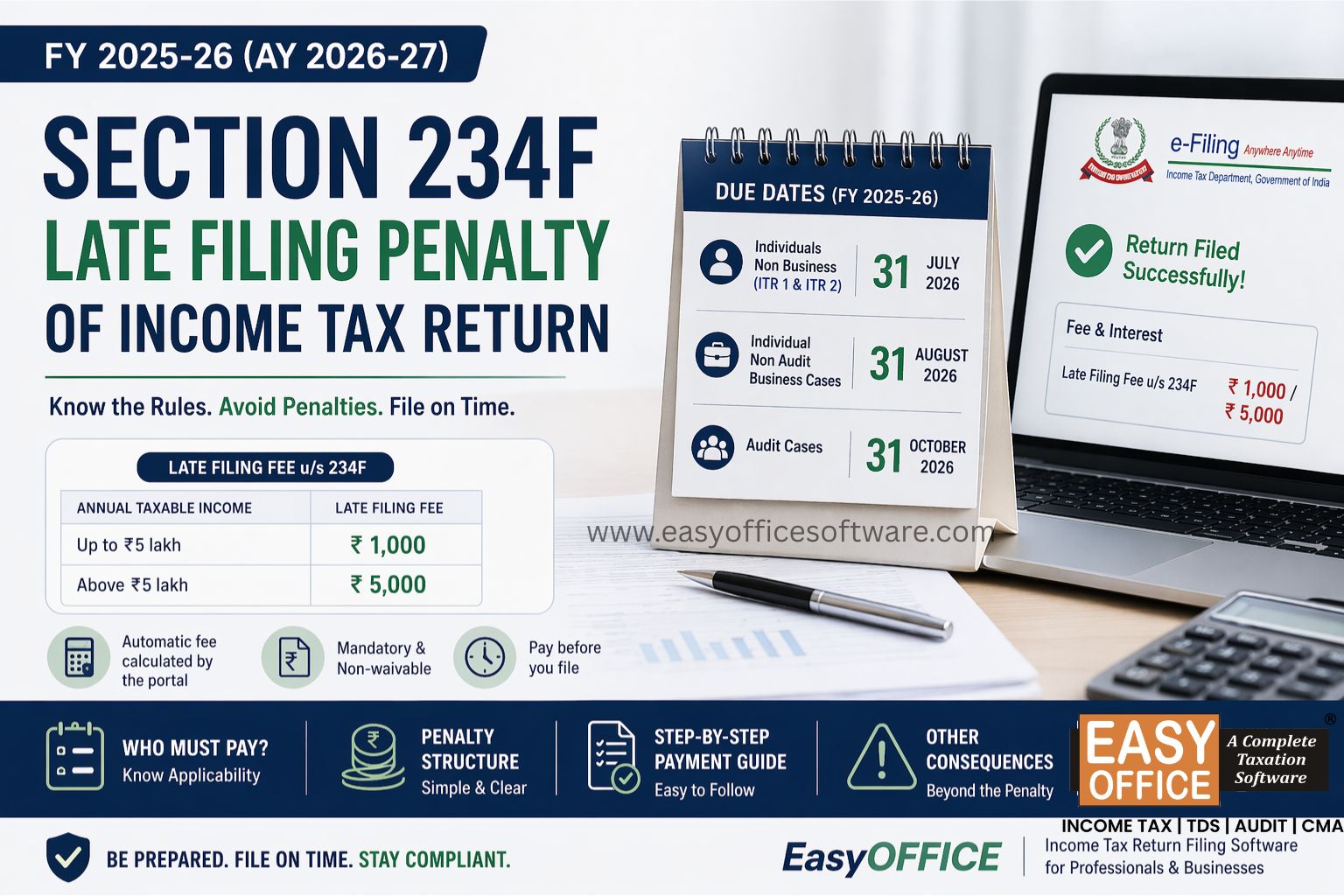
Penalty for Late Filing of Income Tax Return for FY 2025-26 – Section 234F of Income Tax Act 1961
#ITR