You file your return, get the acknowledgement, and finally relax. Then a doubt creeps in. Did you add that FD interest? Was ITR-1 even the right form?
It happens to plenty of people. So here is the big question: can you cancel or discard an income tax return after filing? The answer depends on the return's status. But there are proper ways to fix mistakes, and best income tax filing software can help you avoid them in the first place.
A successfully filed return generally cannot simply be erased. However, depending on whether it is still unverified, whether the correction deadline is open and what needs to be corrected, you may have options such as discarding an unverified return, filing a revised return or submitting an updated return (ITR-U) if eligible.
Can You Cancel an ITR After Filing?
No. Once your return is successfully submitted and verified on the e-filing portal, you cannot delete or withdraw it. It stays on record, and the department checks it against Form 26AS, AIS and TDS data. However, the options available depend on the return's status.
a. Return submitted but not yet verified: Check whether the portal offers the option to discard the unverified return, then you may discard it and file the correct return.
b. Return already verified: If you discover an error, you may need to file a revised return within the applicable time limit.
c. Revision deadline has passed: An updated return (ITR-U) may be available if you meet its eligibility conditions. It cannot be used for every type of correction.
Say your salary went in as ₹7,20,000 instead of ₹7,80,000. The original return stays if already verified. You file a revised return that replaces it, as long as you are within the time limit.
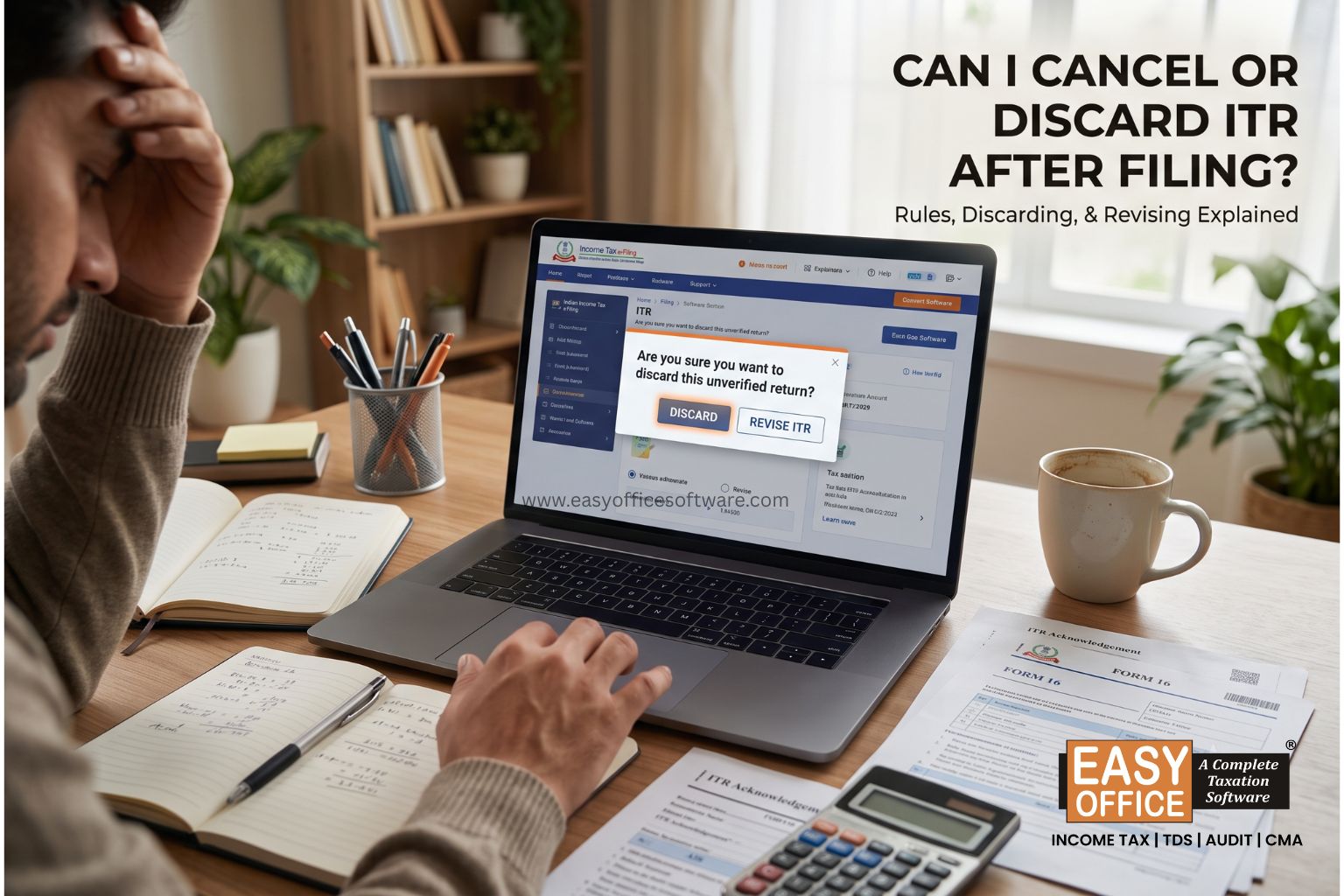
Can You Discard an Income Tax Return Before Verification?
Yes. The Income Tax e-Filing portal provides a Discard option for eligible income tax returns that are still unverified or pending verification.
Filing and verifying are two separate steps. After you submit, you need to e-verify ITR within 30 days, using Aadhaar OTP, net banking or a digital signature.
If you discover a mistake after uploading your return but before verifying it, check whether the discard option is available. If you choose to discard the return, it is treated as not filed, and you can file another return with the correct details.
How to discard an unverified ITR
1. Log in to the official Income Tax e-Filing portal.
2. Navigate to e-File → Income Tax Return → e-Verify ITR.
3. Locate the return that is marked unverified or pending verification.
4. Check whether the Discard option is available.
Read the portal's confirmation carefully before proceeding.
Important: Discarding a return is irreversible. Some people see this as a clever way to "cancel". It is not, and here is why:
Deadline may pass
Late fee applies
Interest keeps adding
Refund gets delayed
If the due date is already over, a fresh return becomes a belated return. The Section 234F fee can go up to ₹5,000, or ₹1,000 if your income is up to ₹5 lakh.
If the return has already been verified, the discard option is generally not available for that return. You should check for Revised return or Updated Return if the Time limit allows.
What Should You Do If You Made a Mistake?
The fix depends on what went wrong. A wrong bank account number needs a different approach from missed income.
1. File a Revised Return
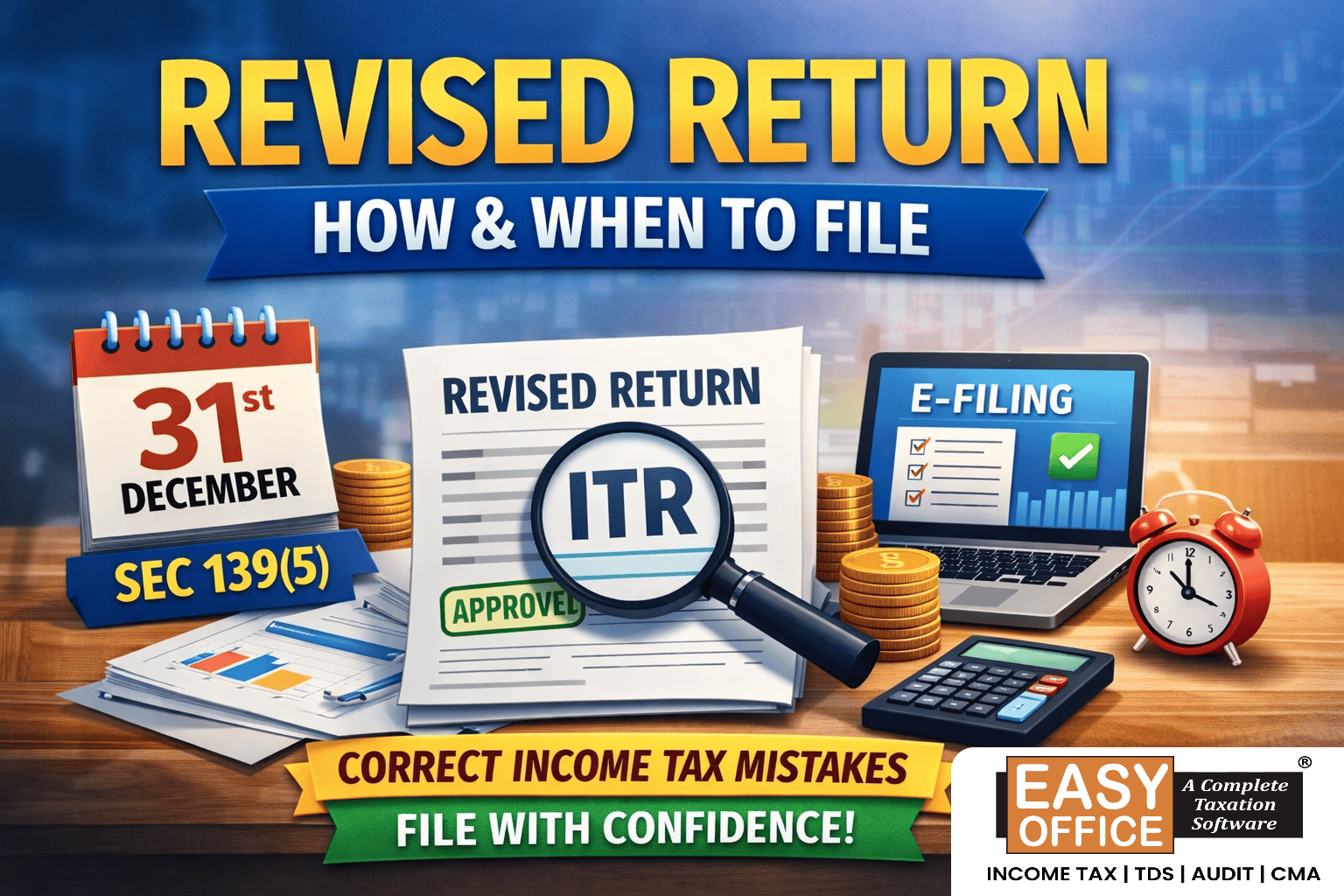
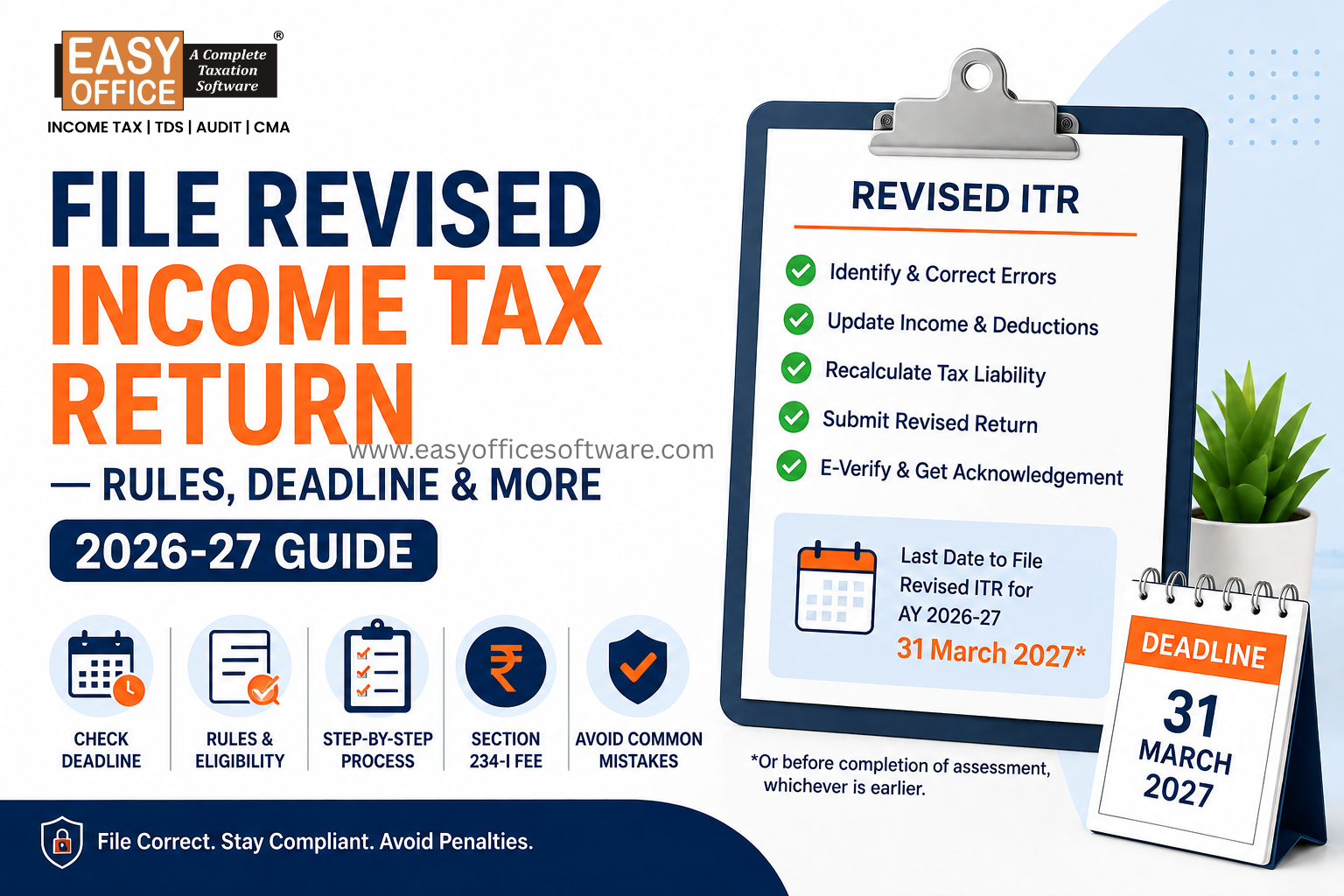
This is the most common route. A revised return under Section 139(5) replaces your original one and allows you to correct information in the earlier return. You can usually file it until 31 March of the assessment year, or before the assessment is completed, whichever is earlier. For FY 2025-26, that is 31 March 2026. Do confirm on the portal.
Typical reasons:
Wrong income figure
Missed deductions or exemption
Forgotten interest income
Wrong personal details
Tax calculation errors
For AY 2026–27, the revised return deadline is 31 March 2027 or completion of assessment, whichever is earlier. An additional fee may apply for revisions filed after 31 December 2026.
2. Check Whether the Return Has Been Verified
Before anything else, log in and check your return status. Is it verified, pending, or invalid?
Unverified or pending verification: Check whether you can discard the return and file a corrected one.
Verified: Consider a revised return if the applicable filing window is open.
Verification deadline missed: Check whether a condonation request is available for your circumstances.
Defective return notice received: Follow the instructions and deadline specified in the notice.
Do not assume that an unverified return has automatically been cancelled. Check the portal status and take the appropriate action.
3. Choose the Right Correction Method
Your circumstances determine your path:
| Situation | Possible next step |
| Return is uploaded but remains unverified | Check whether the portal allows you to discard it and file a corrected return |
| Return is verified and the revision deadline is open | Consider filing a revised return |
| Additional income was omitted and the revision deadline has passed | Check whether an updated return (ITR-U) is permitted |
| A defective return notice has been issued | Respond to the notice within the specified period |
| Genuine delay in verification | Check whether you can request condonation |
How Income Tax Filing Software Can Help
Most corrections come from small manual slips. Good income tax filing software catches many of them before you submit, because it brings all your details into one place.
Look for these features:
- AIS data matching
- TDS mismatch alerts
- Right ITR form suggestion
- Automatic tax calculation
- Draft saving
- Verification tracking
This is handy for salaried people, freelancers, shopkeepers and CA firms or Tax Professional in handling many clients.
However, software cannot guarantee that every error will be detected. Always review the final return carefully before submitting it.
Can You File a Revised Return More Than Once?
Usually, yes. If you spot another genuine error after revising, you can revise again, provided the deadline has not passed. The latest valid return is the one that counts.
Imagine a taxpayer in Ahmedabad who revises a return to add savings interest. A week later, she remembers a missed 80G donation. She files a second revision.
Each time, recheck the whole return, not just the one line you are fixing.
Common Mistakes to Avoid After Filing an ITR
Don't Ignore AIS and TIS
Banks, employers and mutual fund houses report your income to the department. Compare their data with your own records before finalising anything.
Don't Claim Deductions Without Proof
Claim a deduction only if you are eligible and hold the documents. A claim you cannot support can turn into a notice later.
Don't File Another Return Randomly
A second "original" return will not cancel the first. If a correction is needed, the revised return is the proper route.
Don't Miss Verification
Verify every return, including revised ones. Save the acknowledgement and verification confirmation in a safe folder.
A Simple Example
Priya, a salaried employee in Pune, files her ITR and receives the acknowledgement. A few days later, she notices she left out ₹25,000 of bank interest.
Instead of immediately filing another return, she checks the status of the return first.
Check return status and choose appropriate option (Discard/ Revised / Updated Return)
Open chosen return
Add missing interest
Pay tax due
E-verify again
While she is at it, she compares her entire AIS with her return. She finds a small TDS mismatch and fixes that too. One careful revision is far better than three hurried ones.
FAQs
1. Can I cancel my ITR after filing?
No. A successfully e-verified return cannot be deleted. You can, however, amend it through a revised ITR if the time limit permits. However, if the return is still unverified or pending verification, the portal may allow you to discard it.
2. What if I don’t get the ITR validated?
It means that the return will be treated as invalid. Depending on the condonation that you may get, you will have to resubmit the return.
3. Can one file the revised ITR in case of any mistakes?
Yes, as far as the time period for filing hasn’t expired. Please check the time period for your assessment year.
4. Can income tax filing software help in avoiding mistakes?
Yes, it will definitely help avoid many mistakes. Good income tax filing software will organise everything for you but will not guarantee anything.
5. Can I file another ITR to replace the first one?
It depends on the status of the first return. An eligible unverified return may be discarded through the portal before a replacement is filed. If the original return has been verified, a revised return may be appropriate if the applicable deadline is open. Do not submit another original return without checking the correct procedure.
Conclusion
Making a mistake in your income tax return does not necessarily mean starting from scratch. The right solution depends on the return's status and the applicable filing deadlines.
You cannot cancel or discard an income tax return after sucessfully e-verifing as if it never existed. But a mistake is rarely the end of the story. A revised return, an updated return, or a quick reply to a notice can set things right.
The easiest fix is prevention. Look at your papers, make sure that you have your AIS in order, and use good income tax filing software to stay organised.
ITR Filing, ITR Correction, Discard ITR, ITR Cancellation, Revised ITR
Related Blogs

All in one Software
- Income Tax Software
- TDS & TCS Software
- Audit e-filing Software
- CMA Data Software






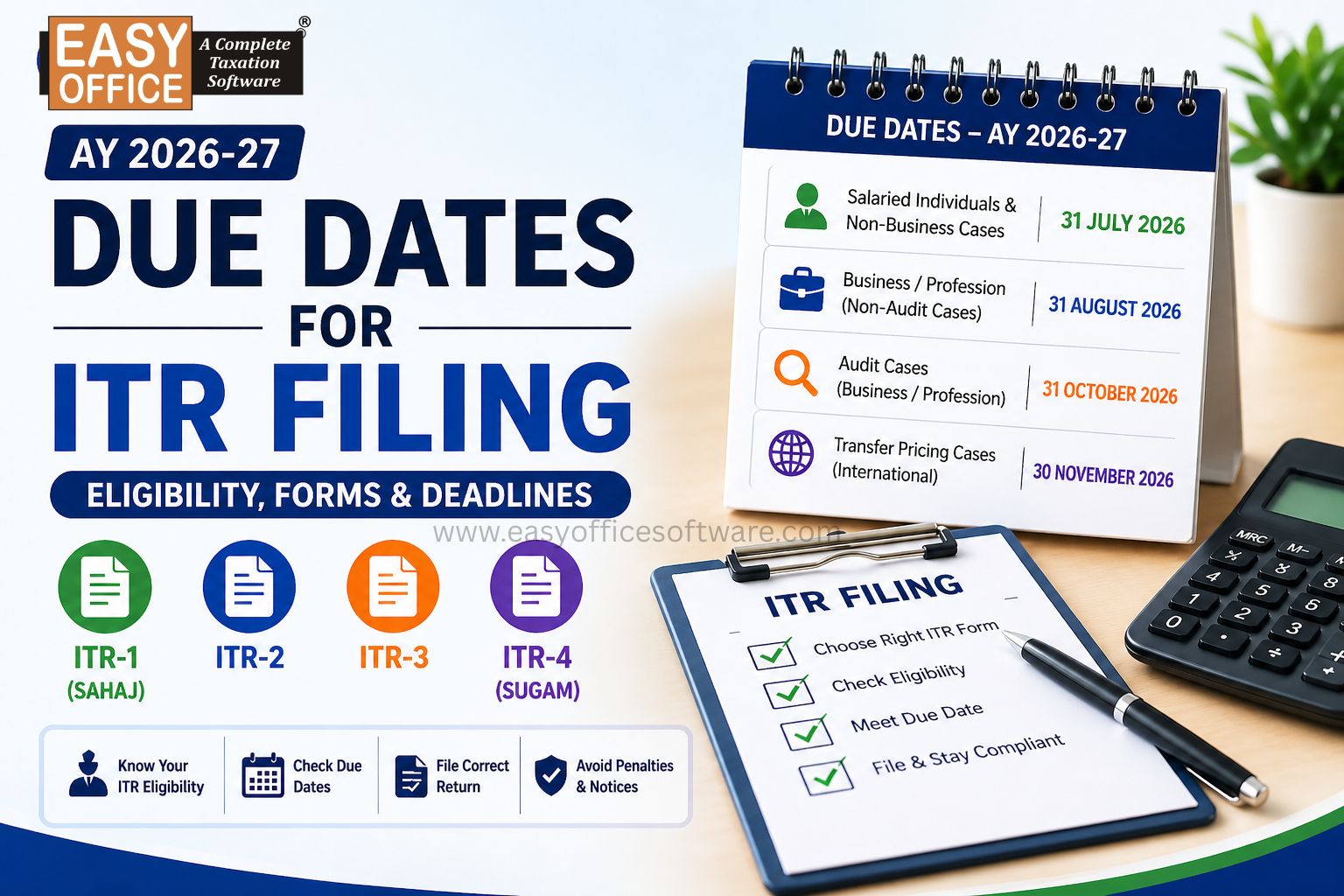
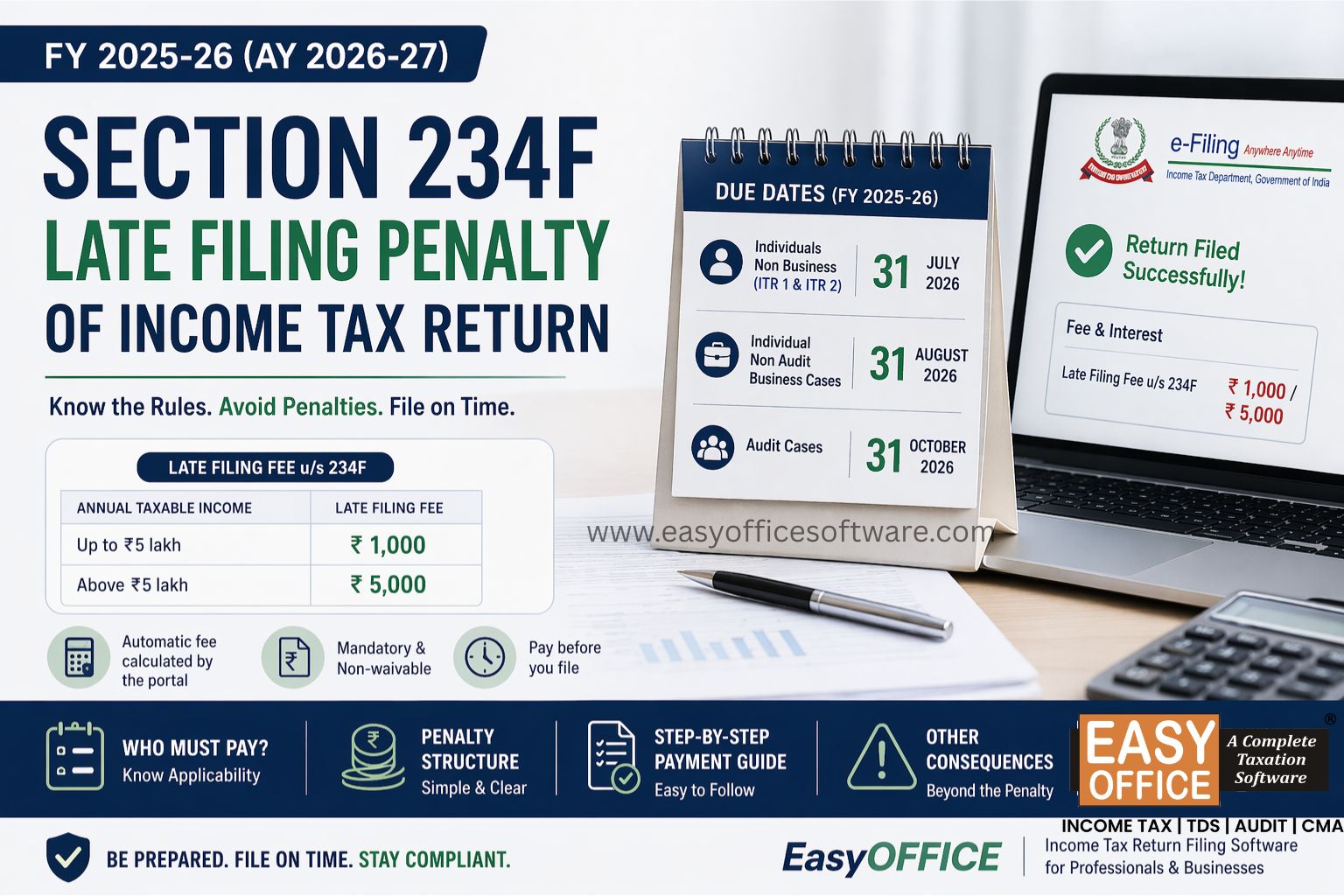
Penalty for Late Filing of Income Tax Return for FY 2025-26 – Section 234F of Income Tax Act 1961
#ITR